
After an import, you need to manually match the imported data with your existing data in Lime Go.
❔ How do I do it?
Match a person with a company
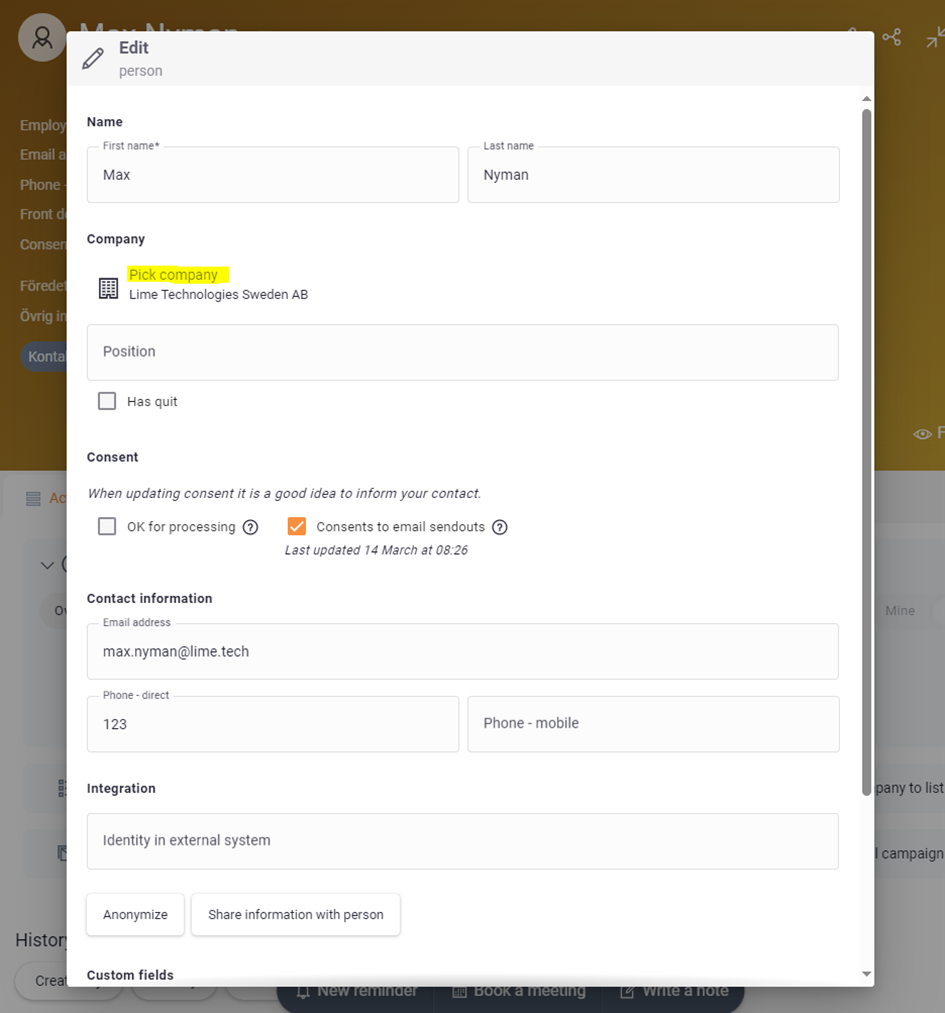
- Look up the person card in the global search.
- Click Edit in the top right corner.
- Click Select company.
- Search for and select the right company.
- Click Save.
Match an imported company with source data
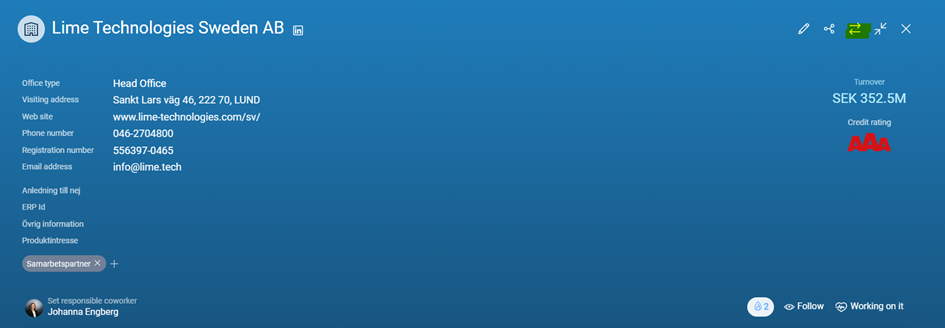
- Find the company card via the global search or under Find, Companies, Tags, and the tag you added in the Excel sheet.
- Click Match against source data in the top right corner.
- Search for and select the right company.
When new companies are created via import and the matching algorithm doesn't find an existing match, you need to match them manually.
📽️ Video Instructions