Yes, you can easily check all fields and see how many things carry over in the merge.
How do I do it?
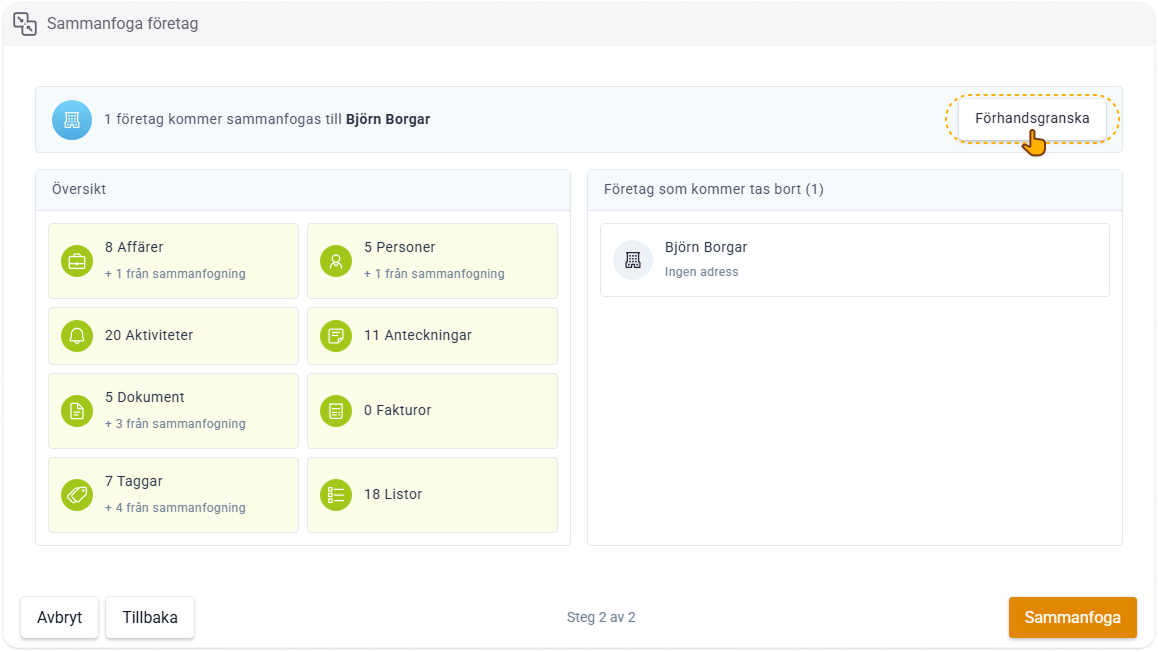
- Start by reviewing all the fields the merged card will have by clicking the Preview button.
- In the preview, you can also see all fields that are filled in by the duplicates.
All filled-in fields on the master card are chosen first in the merge, and all its empty fields are filled in by the duplicates.
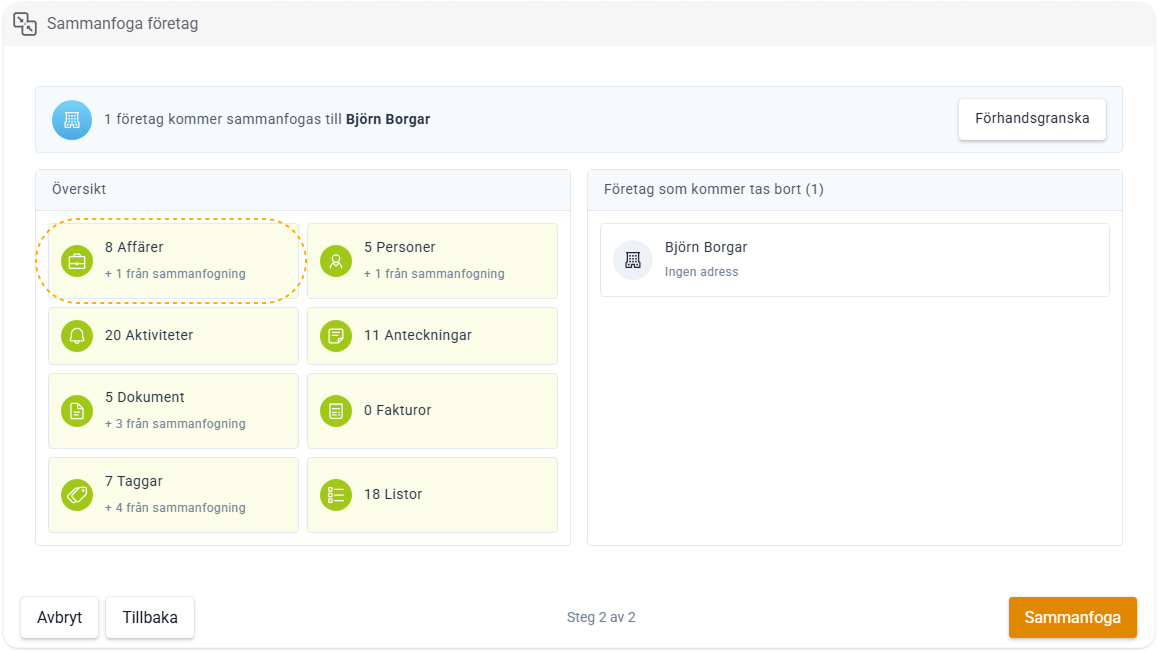
- Then review that everything carries over in the merge under Overview.
- Here you can see both the total of, for example, all deals the company will have + all deals coming from the duplicates.
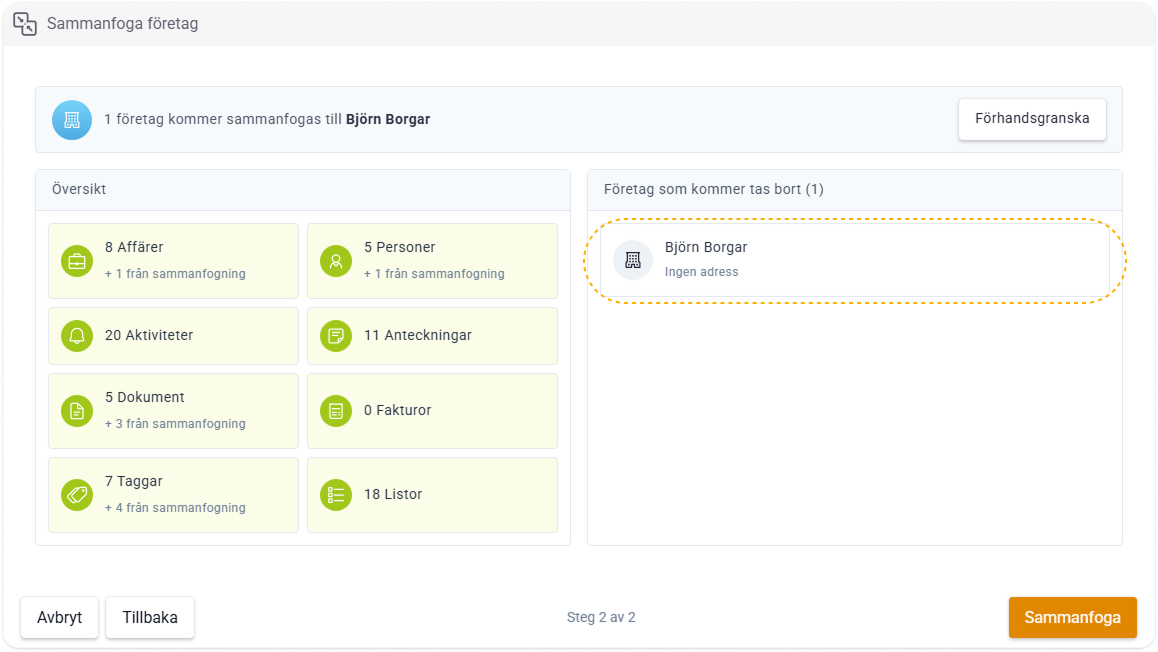
- Also double-check all duplicates that will be removed after the merge under Companies to be removed.