Yes! You can merge all your duplicates into companies connected to our data provider.
❔How do I do it?
You can access our merge feature in two different ways. Either via the company list on the find page or via a card.
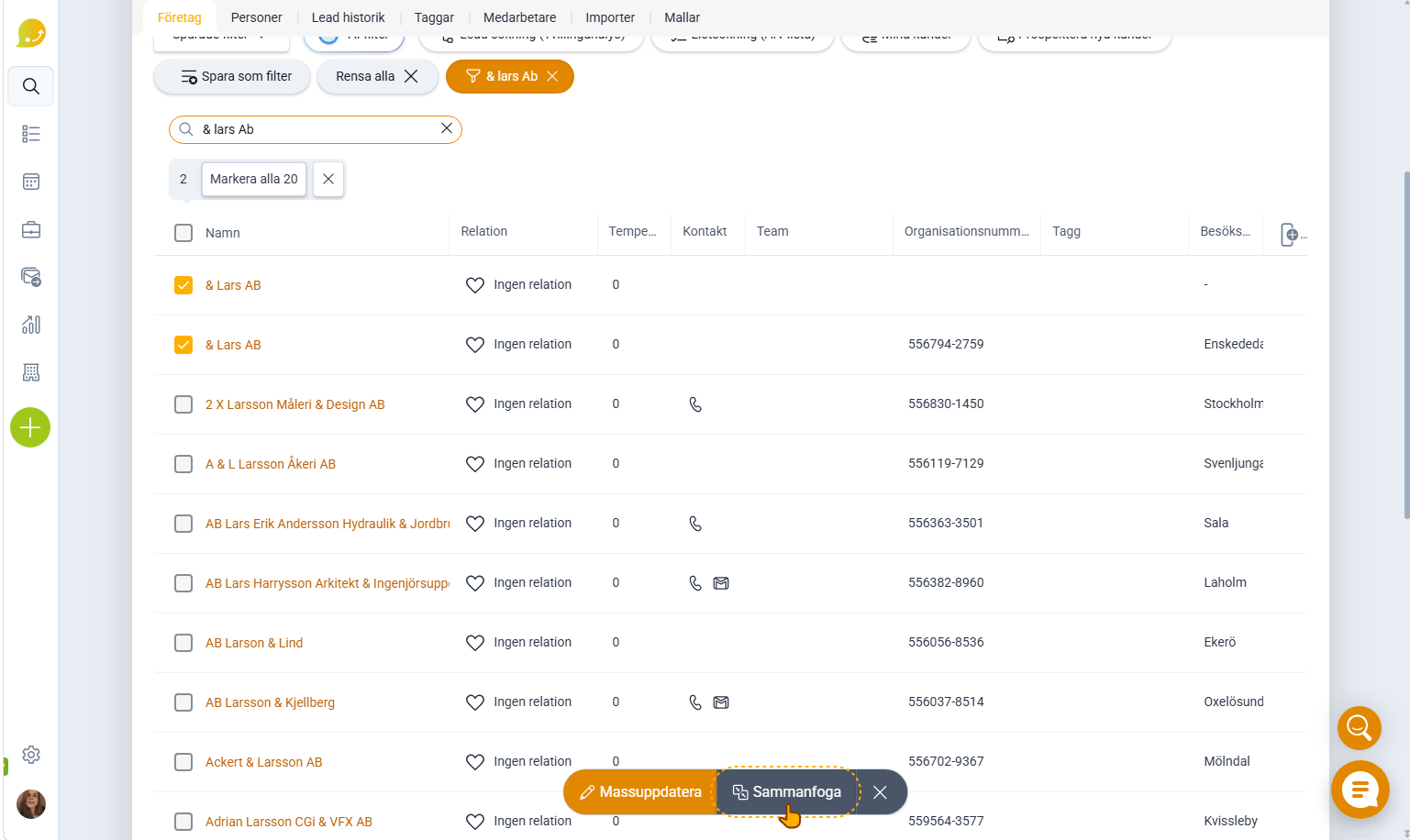
Merge two or more companies via the find page:
- Select two or more companies in the list on the find page
- Check the checkboxes next to the company names
- Then click the merge button in the action bar at the bottom center of the page.
- Then continue with the merge.
It's important that the duplicates themselves are not connected to a data source, have quotes, or are connected to an ERP.
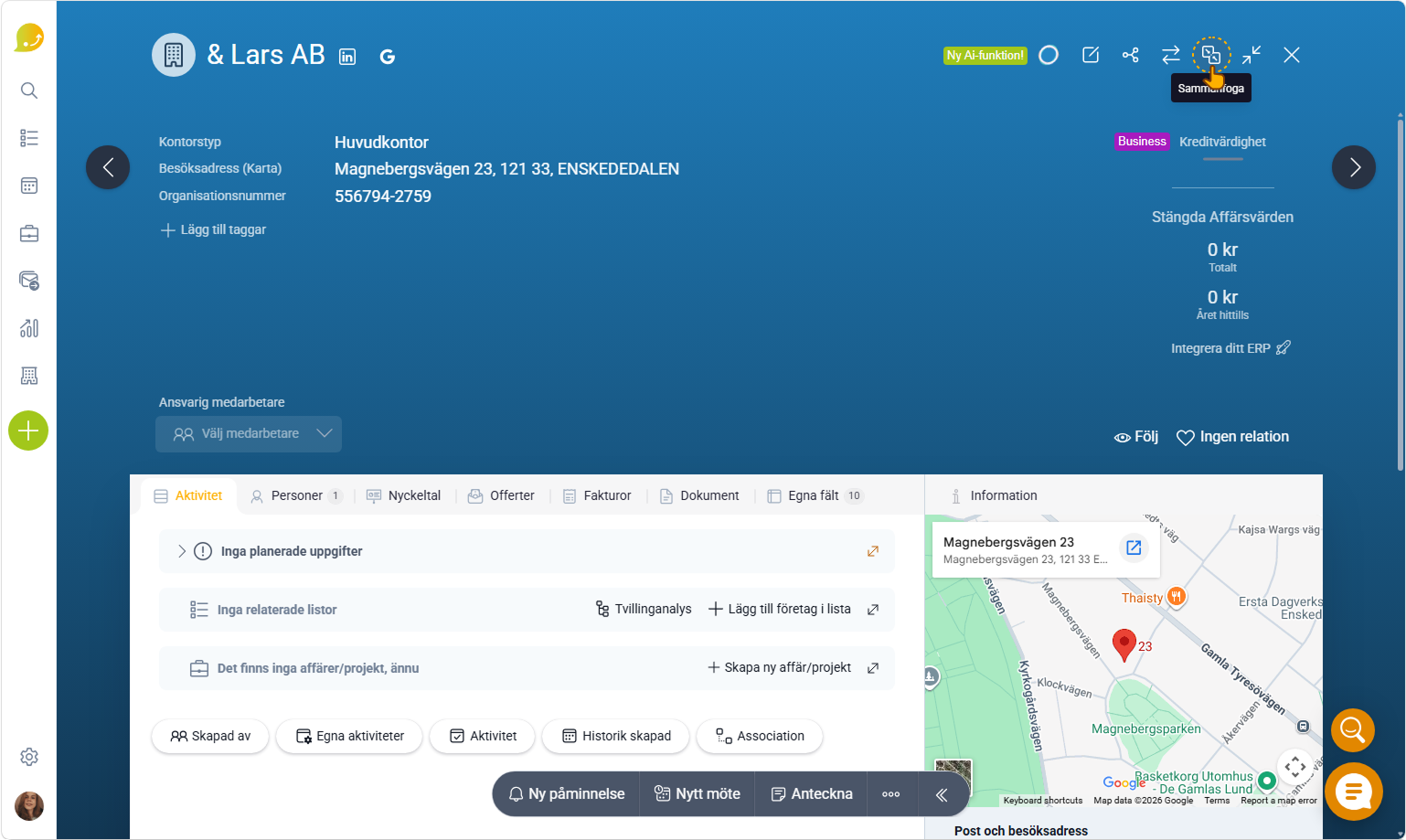
Merge two or more companies via a company card:
- Navigate to the card you want to use in the merge
- Then click the merge button in the top right corner of the card
- Then continue with the merge.