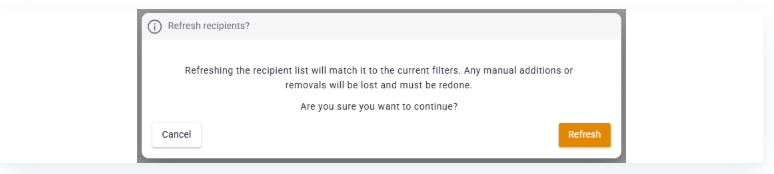
You update the recipient list by clicking Update list. The list is then automatically synced with the filters you chose when you created the mailing.
❔ How do I do it?
- Go to your newsletter mailing and the Recipients tab.
- Click Update list.
- Wait while the list is updated.
When the list is updated, people who match the filter are added, and people who no longer match the filter are removed.
Previously, a dynamic list wasn't possible. Now we've updated things so that your recipient list doesn't need to be fully finalized while you're designing a mailing's layout.
The update is always based on the original filters. If you've added recipients manually, they'll be removed if they don't match the filter.