You create a newsletter mailing in five steps: fill in the basic information, choose recipients, adjust the list, design the layout, and send or schedule.
❔ How do I do it?
Step 1: Create the mailing
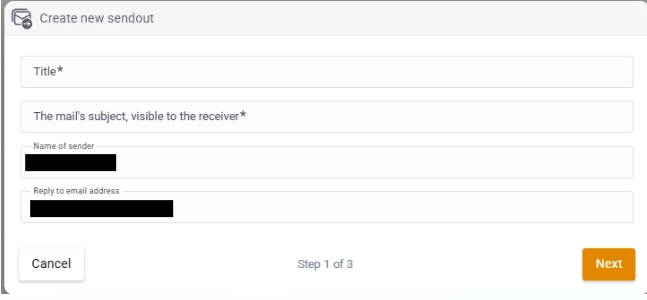
Fill in the following basic information:
- Title – name of the mailing, not shown to the recipient.
- Subject – the subject line the recipient sees.
- Sender name
- Reply-to address
You can move directly on to selecting recipients, or save the mailing as a draft and continue later.
Step 2: Choose recipients via filters
Choose who should receive the mailing by filtering on, for example, company, tags, or consent to email campaigns.
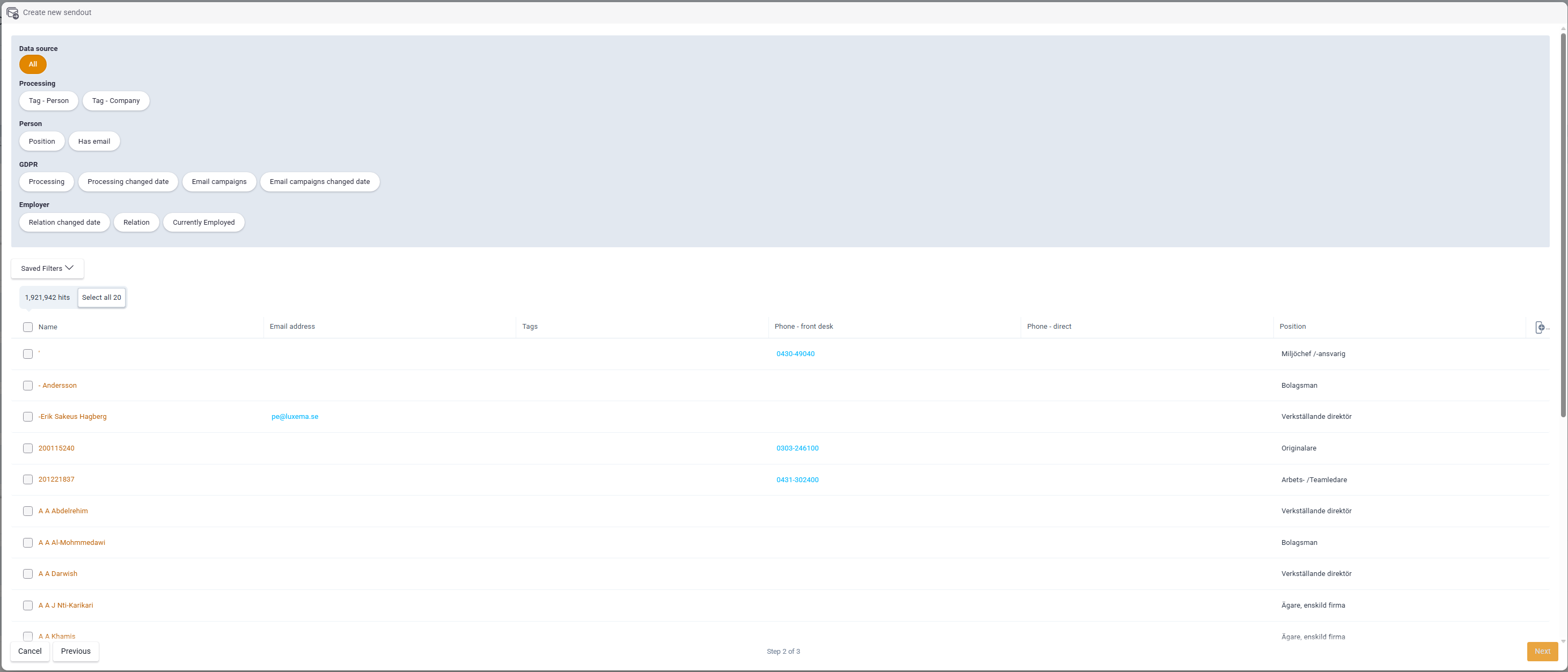
Step 3: Fine-tune the recipient list
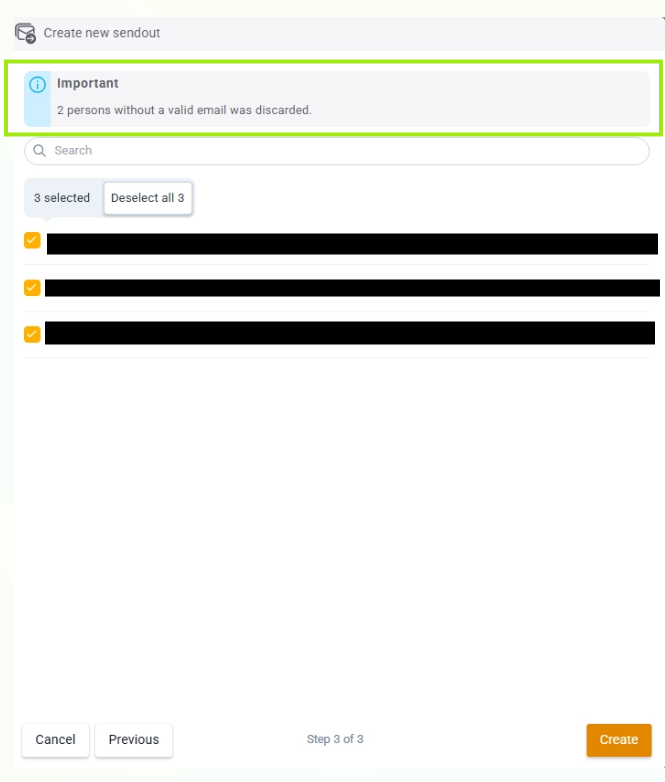
Here you can adjust the list further:
- Remove individual people.
- See who is missing consent.
- Search for specific people.
⚠️ People without an email address are automatically removed and can't be added to the mailing.
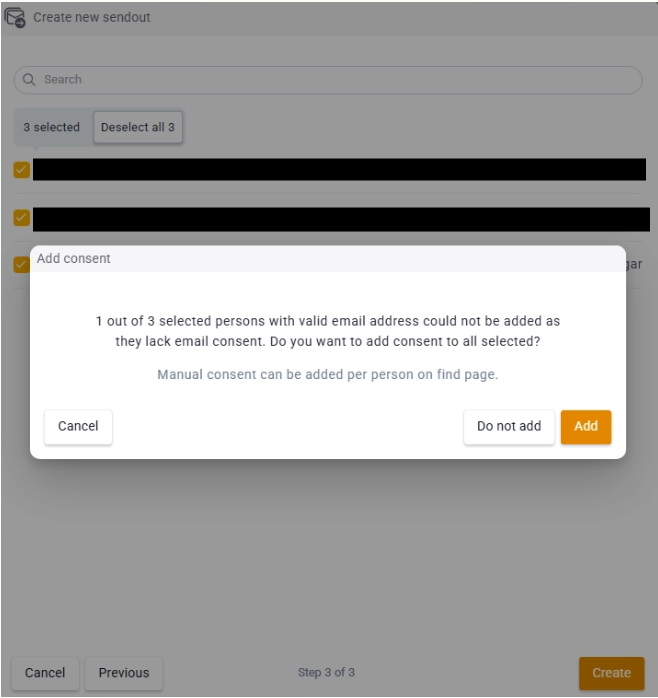
If a recipient has an email address but is missing consent, you get the option to add consent directly.
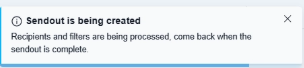
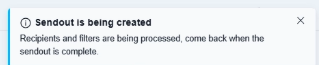
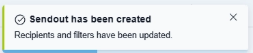
Notifications
You get automatic updates when:
- filters are applied to the mailing
- the recipient list is updated (during this time you can't add more recipients)
- everything is done and the mailing is ready