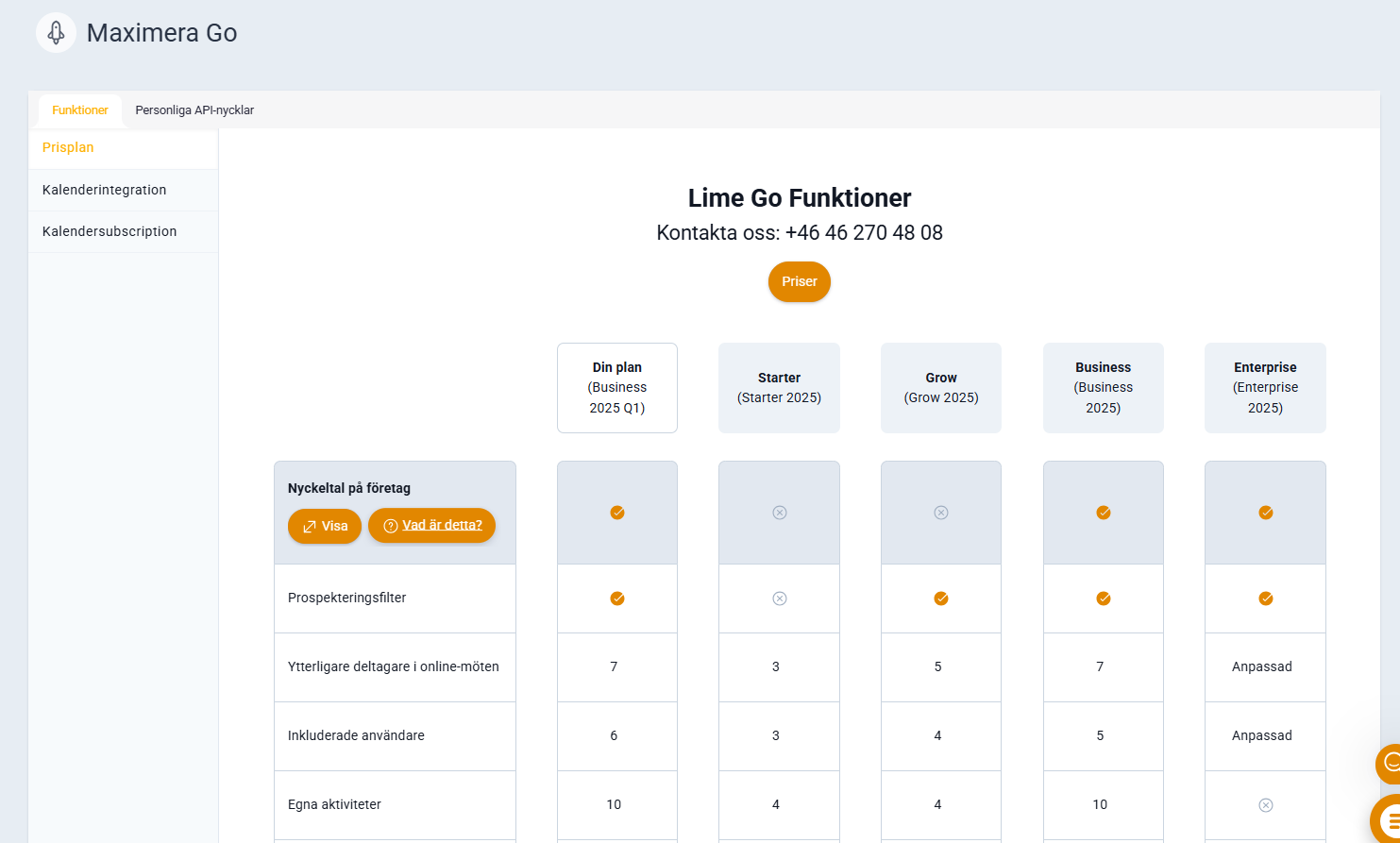
You can see which features you have access to via features.
❔ How do I do it?
- Go to your profile picture and click on features.
- Compare under "my plan" with the respective current plans.
The features page gives you an overview of:
- What you have today and which features are included in your current plan
- What is available in other tiers (Starter, Grow, Business and Enterprise)
- When it might be relevant to upgrade
Click on any feature name to read more about what it does.
🧐 Curious about a feature you don't have today? Chat with us to get started.