
You change your password under settings (the gear icon ⚙️) and user settings and security.
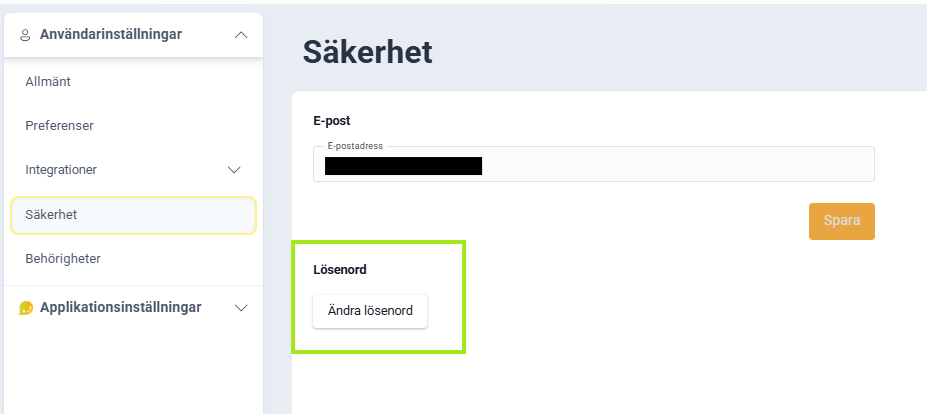
Good to know:
- You will be logged out of all other devices when you change your password
- You will receive a confirmation via email
- Administrators cannot change passwords for other users
🔐 Have you forgotten your password? Then you first need to log out. Here's how:
- Go to the login page of Lime Go
- Under username and password, click the link "forgot my password"
- Follow the instructions and a reset link will be sent to your specified email address
- No email showing up? Check if it ended up in spam. Otherwise, contact Lime Go via chat.