As an administrator, you can change permissions for your colleagues.
Here's how:
- Go to your Profile
- Select Employees
- Click Edit (the pencil in the top right on the person you want to change)
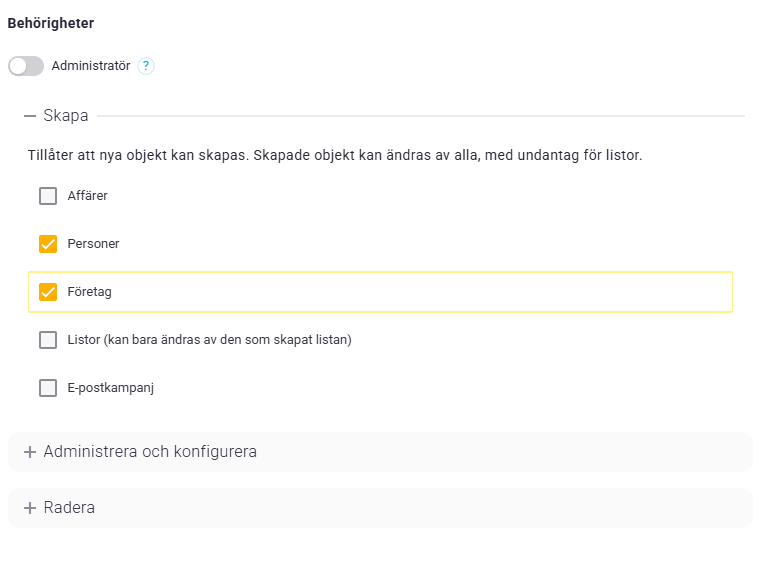
- Under permissions, you can expand save, administer & configure, and delete to check or uncheck specific permissions (it may look like the example below)