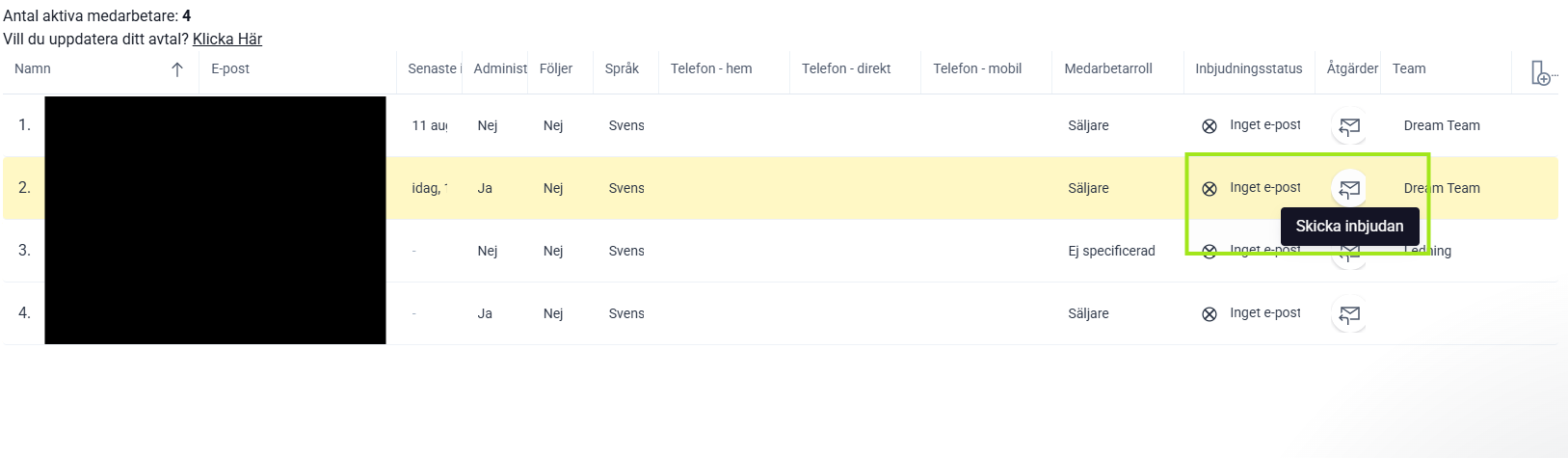
If a new user hasn't received their welcome email, you can resend it yourself by clicking send invitation for the correct employee.
❔ How do I do it?
- Click on your profile picture and select Employees to reach the overview.
- Find the person in the list and go to the email icon on the far right.
- Click the email icon to send the email again.
If the email still doesn't arrive, double-check that when creating the user you selected "Allowed to log in" (which you can see when you go in and edit the employee).