
When creating a new person in Lime Go, the system automatically suggests existing persons that match the name you type.
❔ How does it work?
As you type a name, suggestions appear for existing persons. Each suggestion shows whether the person is created or data-provided. Clicking a name opens the person card in a new window so you can compare.
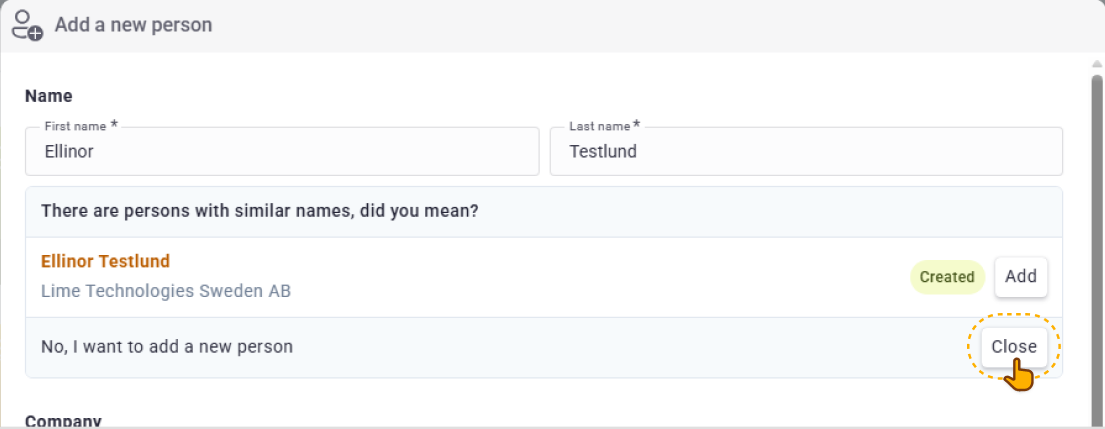
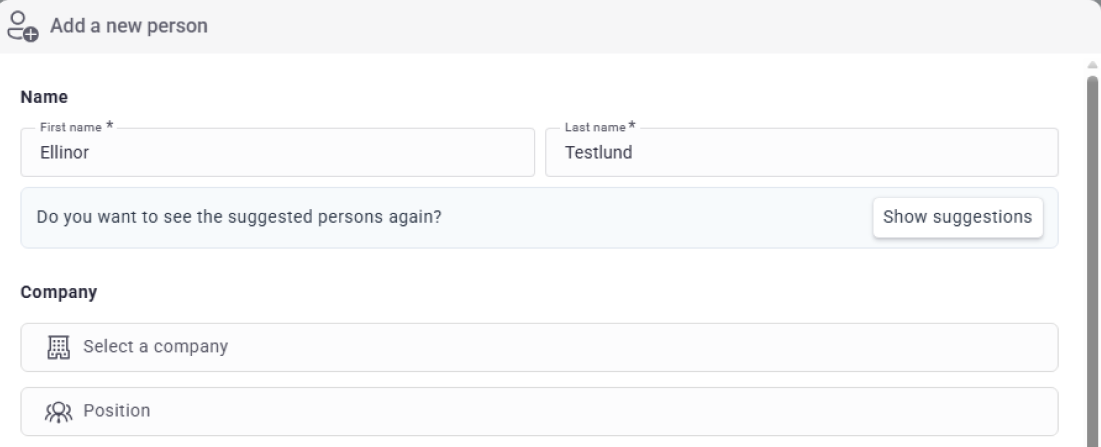
If you choose to add a suggested person:
- The form is automatically filled with the person's information.
- Has quit at old company is automatically activated to prevent duplicate references.
- You can always undo your choice – the form resets to empty fields.
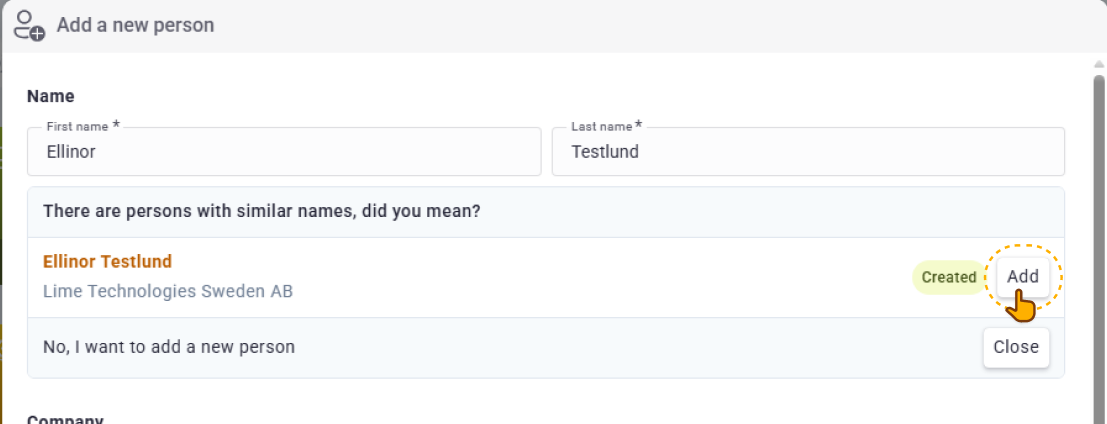
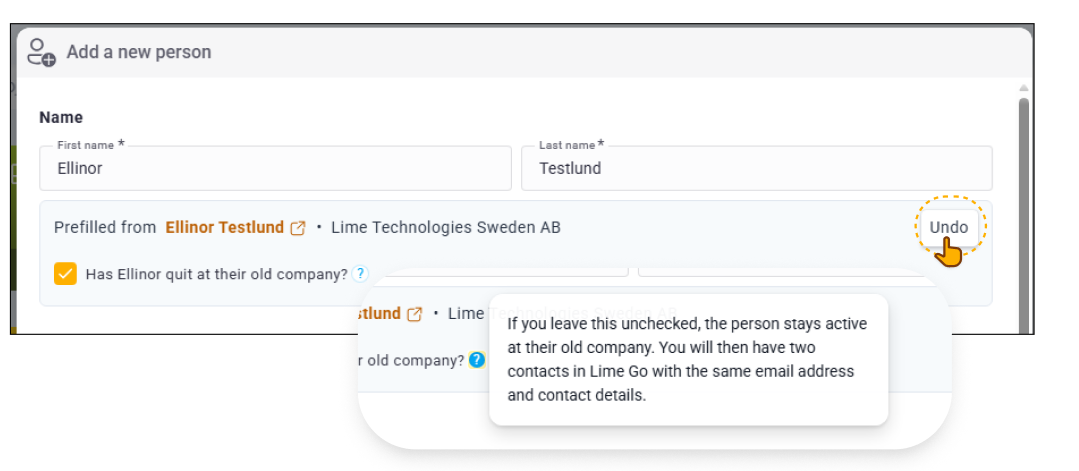
Custom fields are not filled in automatically. The company field is left blank and must be filled in manually.