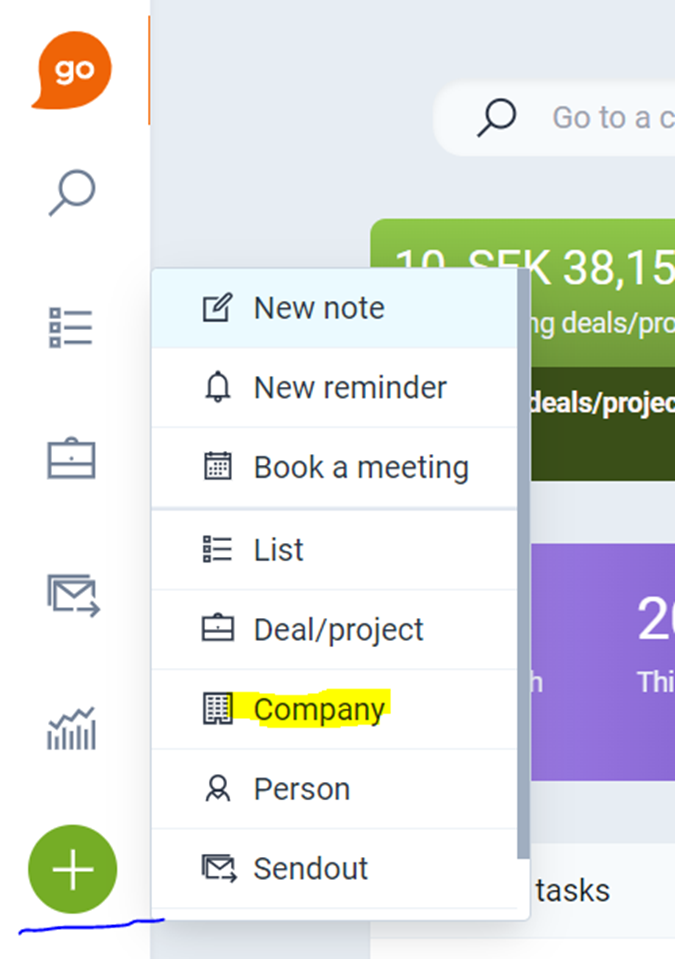
Yes, it's easy to add a new company and match it against Dun & Bradstreet.
❔ How do I do it?
- Add a new company in Lime Go.
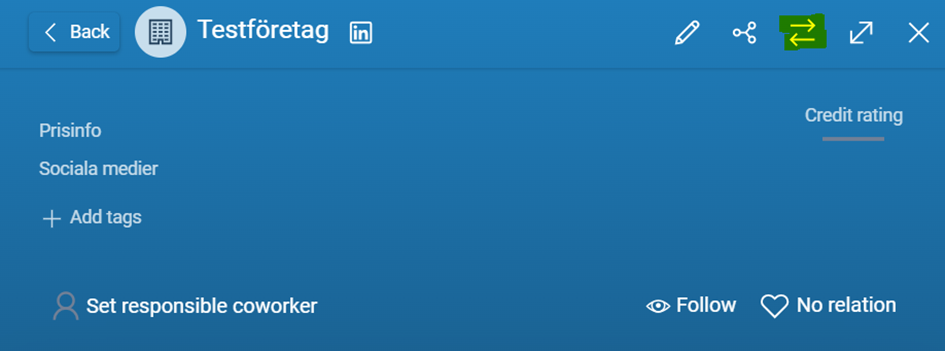
- Click the Match against source data icon with the two parallel arrows in the top right corner.
- Search for and select your company.
- Click Save.
Match the company against Dun & Bradstreet before making any changes. If you change the company before matching, you may get an error message that the company is already connected. You then need to undo all changes to make the company "untouched" again before trying to match it.