
You can easily switch between different pipelines directly from the pipeline view.
❔How do I do it?
- Go to Deals/Projects in the left panel in Lime Go
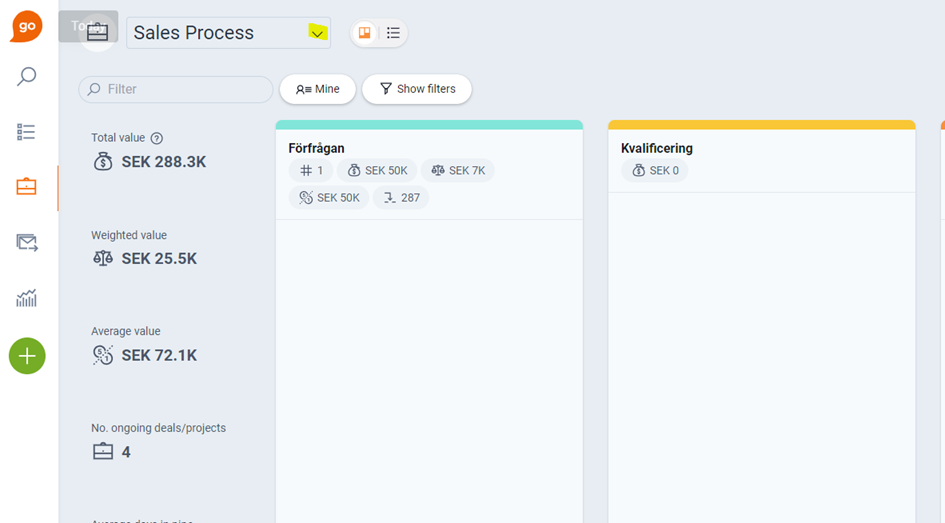
- Click the name of the current pipeline in the top left corner
- Then select the pipeline you want to open from the menu that appears
📽️ You can also watch a video guide below: