
You can reorder, rename, and delete deal statuses under ⚙️-Application Settings.
❔ How does it work?
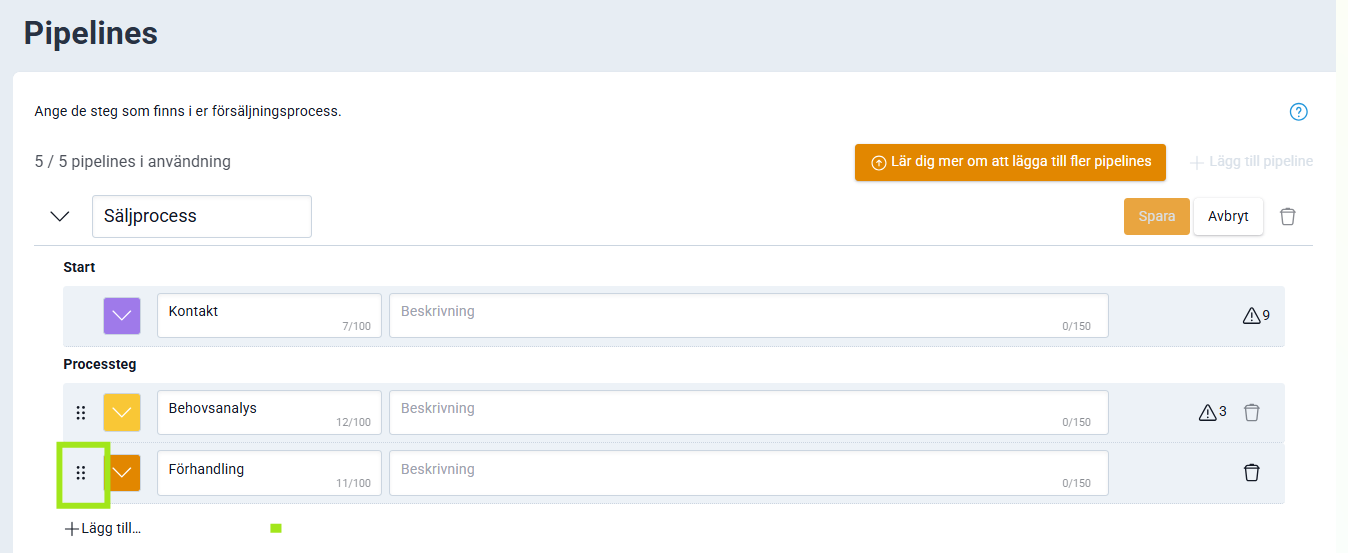
Reorder statuses
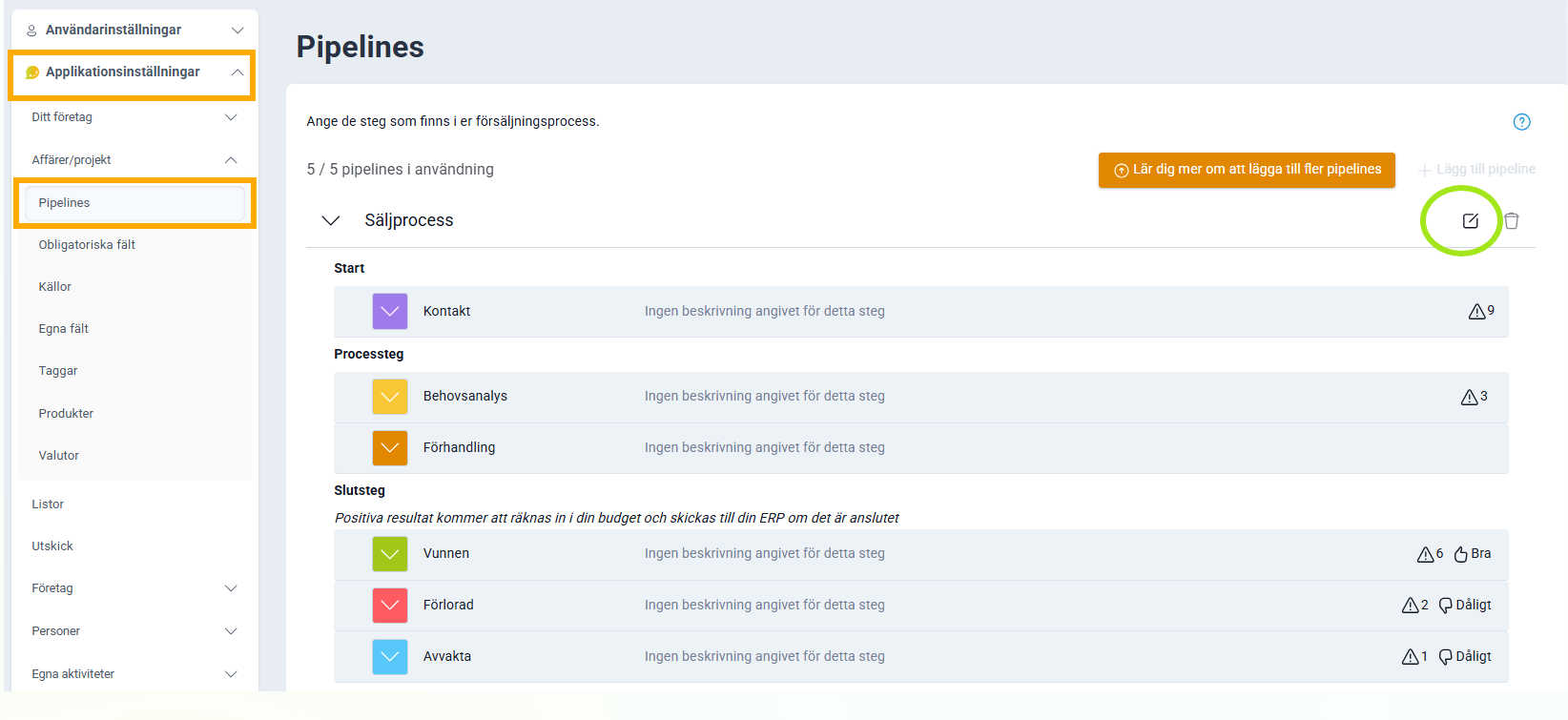
Go to Application Settings, Deals/Projects and then Sales Process. There you can drag and drop the statuses into the order you want them. The new order becomes immediately available for all deals and projects in Lime Go.
Rename a status
If you rename a status, the name is automatically updated on all deals and projects that had the old status.
Delete a status
Delete a status by clicking the trash can icon. If you delete a status, it can no longer be selected on the company card.
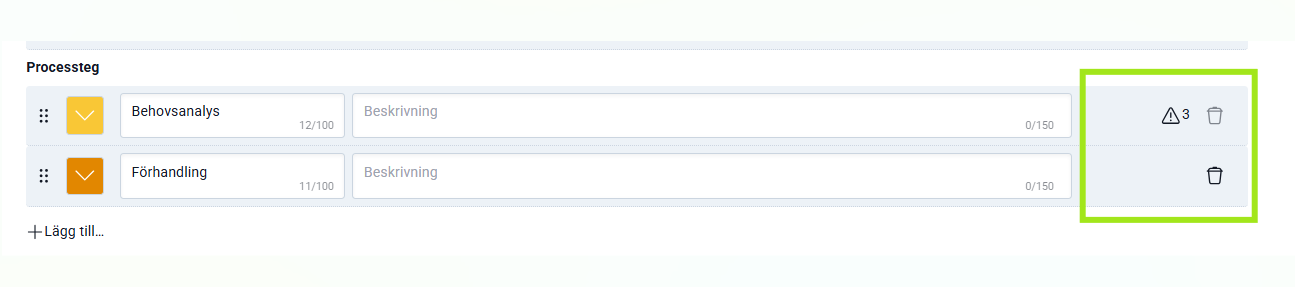
⚠️ You cannot delete a status that is used on an active deal or an active project.
⚠️ Avoid special characters and emojis when naming statuses. Some integrations do not support these characters, which can cause technical issues.