
You can export various types of information related to your deals/projects or business opportunities in Lime Go.
👉🏻 Here's how:
Download the list from the Deals/Projects tab.
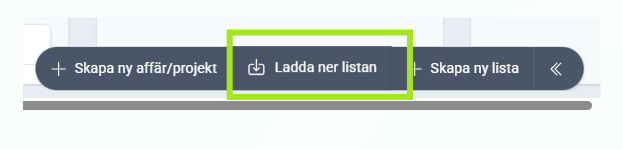
👀 Here's what you can export from deals/projects:
- Deal/project name
- Company name
- Status
- Values
- Probability
- Order dates
- Contact persons
- Responsible employee's name
- Descriptions
- Status text
- Status date
- Internal customer ID
- Customer integration ID
- Contact source ID
- Contacts' internal ID
- Contact integration ID
- Tags
- Sources
- Created date
Exporting your deals or projects creates opportunities to use the information for various purposes and integrate it with other systems or tools as needed.
📽️ You can also watch a video guide below: