You can delete tags via the find page and the deals page
How do I do it?
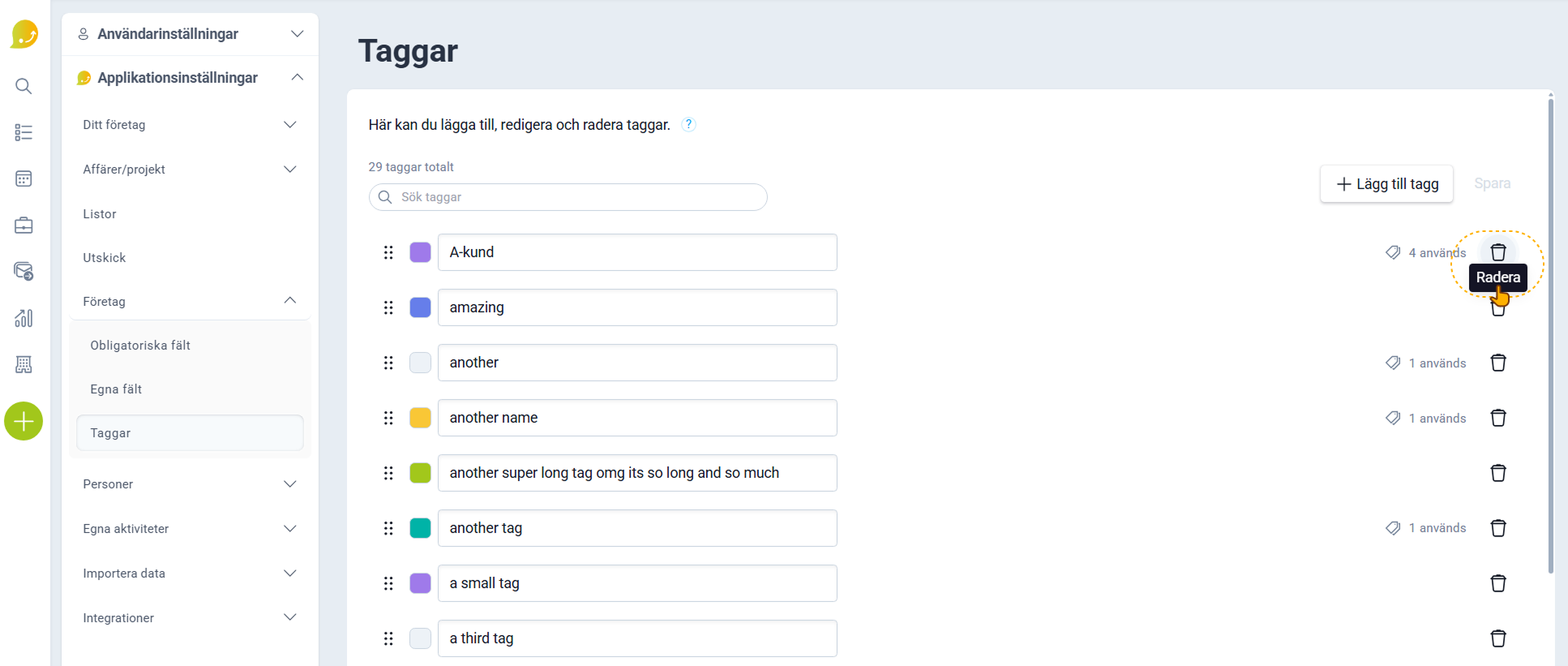
- Navigate to the tags page under Application Settings
How do I do that?
- Then click the trash can furthest to the right of the tag you want to delete
Remember that if a tag is used in the system, it will remain on the cards using the tag, but you won't be able to add it to any card.