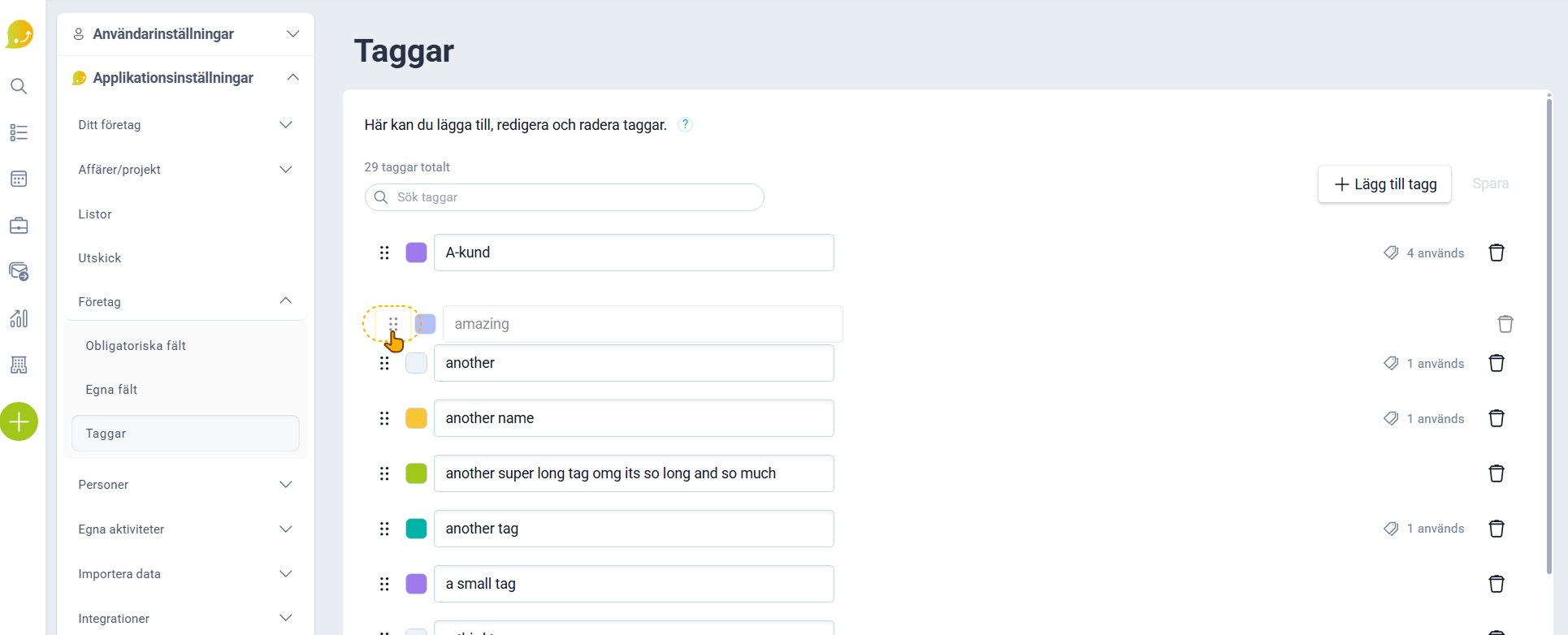
Yes, you can change the order in which your tags appear in the list on your cards.
❔ How do I do it?
- Navigate to the tags page under Application Settings
How do I do that?
- Then hold down the left mouse button on the six dots on the far left of the tag you want to move, and drag the tag to where you want it