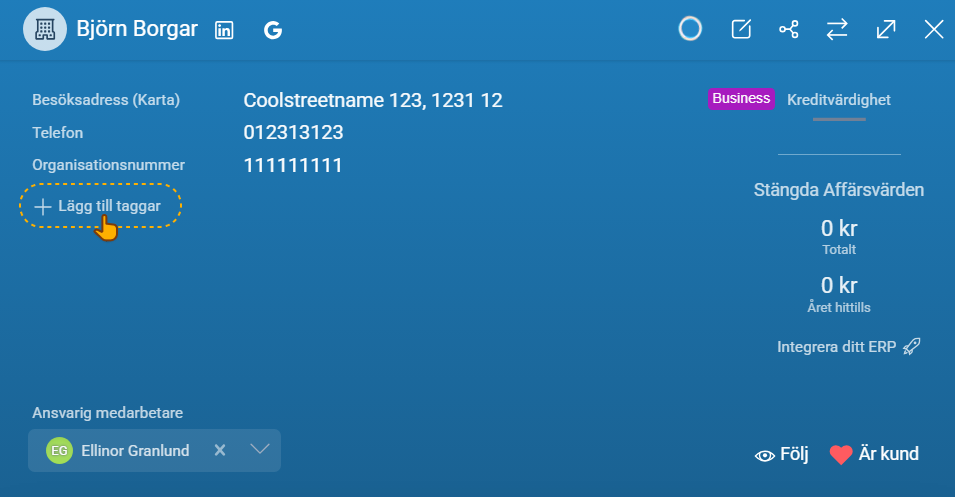
Yes. You can add as many tags as you want to company, deal, and person cards.
❔ How do I do it?
- Navigate to the card you want to add a tag to
- In the card's main area, click +Add tags or the plus button next to tags if there are already tags on the card
- Then select a tag from the list that appears
If you're an administrator, you can add new tags - read here how to do it