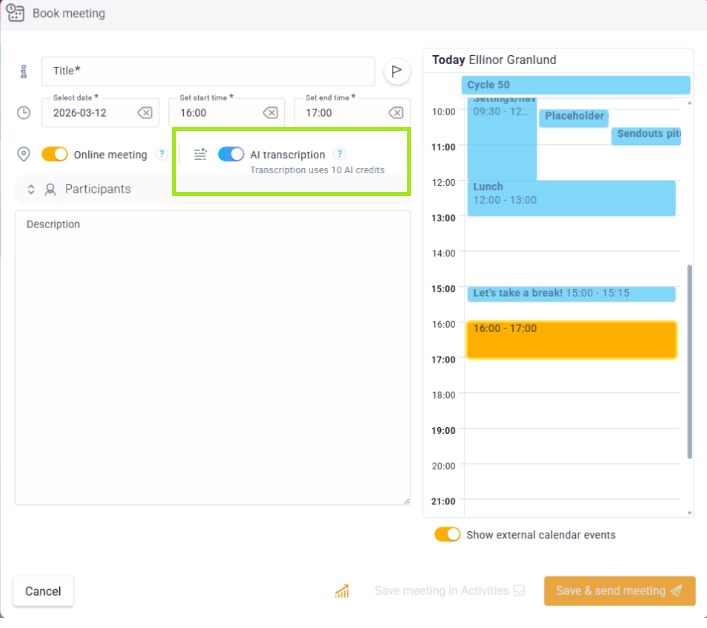
When you book an online meeting, you can activate AI notes. An AI bot then joins the meeting, listens and transcribes.
❔ How do I do it?
- Create or edit a meeting in Lime Go.
- Activate AI notes with the toggle.
- Book the meeting as usual – the AI bot joins automatically as a meeting participant at the scheduled time.
After the meeting, you'll find the summary as a history note on the card linked to the meeting – the deal, the company, or the person.
AI notes only work for online meetings via Teams or Google Meet. You need to have your calendar connected to Lime Go.