An external key is a field in Lime Go that stores an identifier from another system, such as a customer ID, and is used for integrations via API or Zapier.
❔ How do I create an external key?
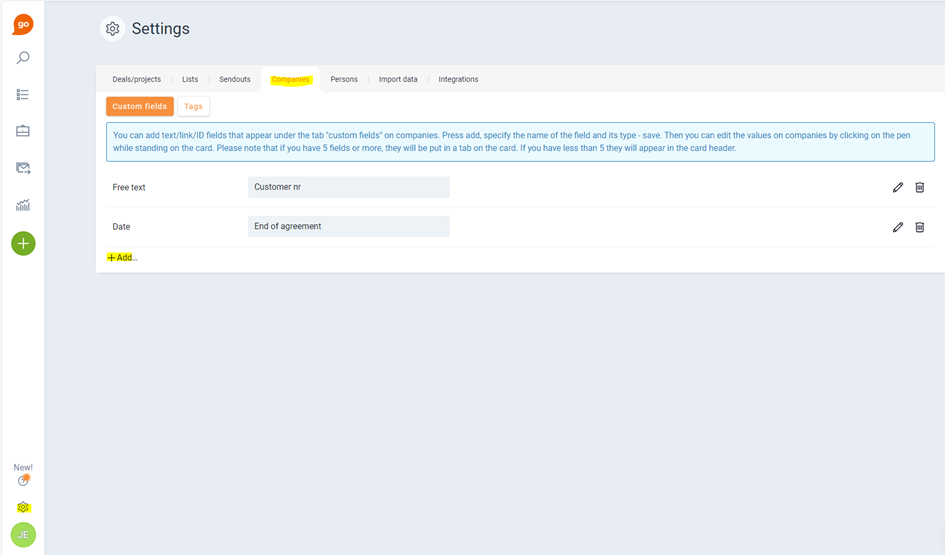
- Go to Settings (⚙️)
- Select Deals/Projects, Companies, or People and then Custom Fields.
- Click + Add, give the field a name, and select the type External key.
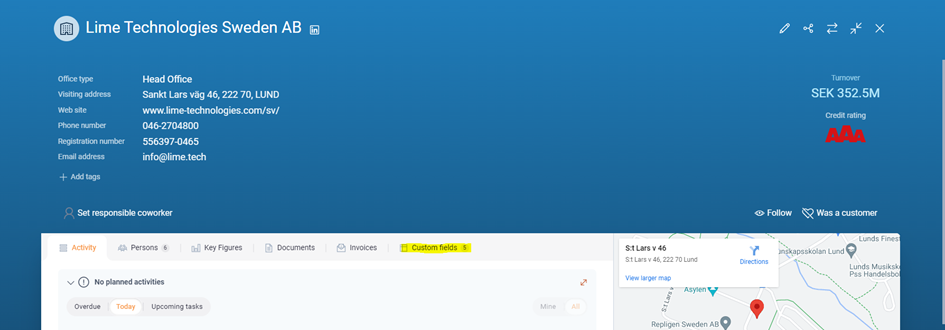
You can then enter the value manually on the company card or update it via the Lime Go API.
The value must be unique per object type. For example, two different companies cannot have the same value, but the same value can occur on both a company and a deal.