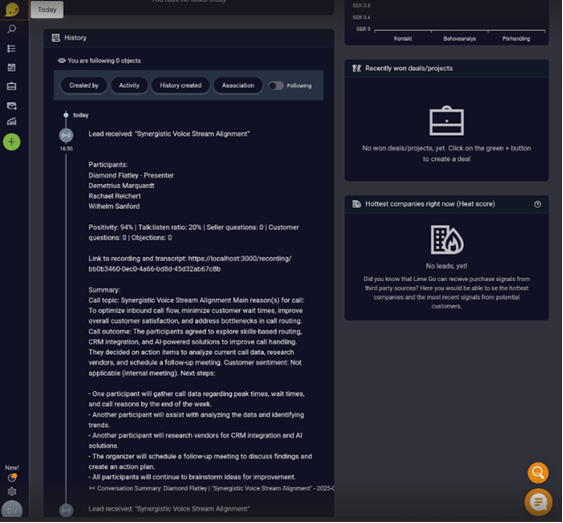
Yes, Lime Go has an integration with Meetric.
❔ How does it work?
When the integration is activated, summaries from your conversations via phone, web meetings, or physical meetings are automatically published in Lime Go under the customer's history. This requires a matching phone number or domain name to exist in Lime Go.
Here's how to activate the integration:
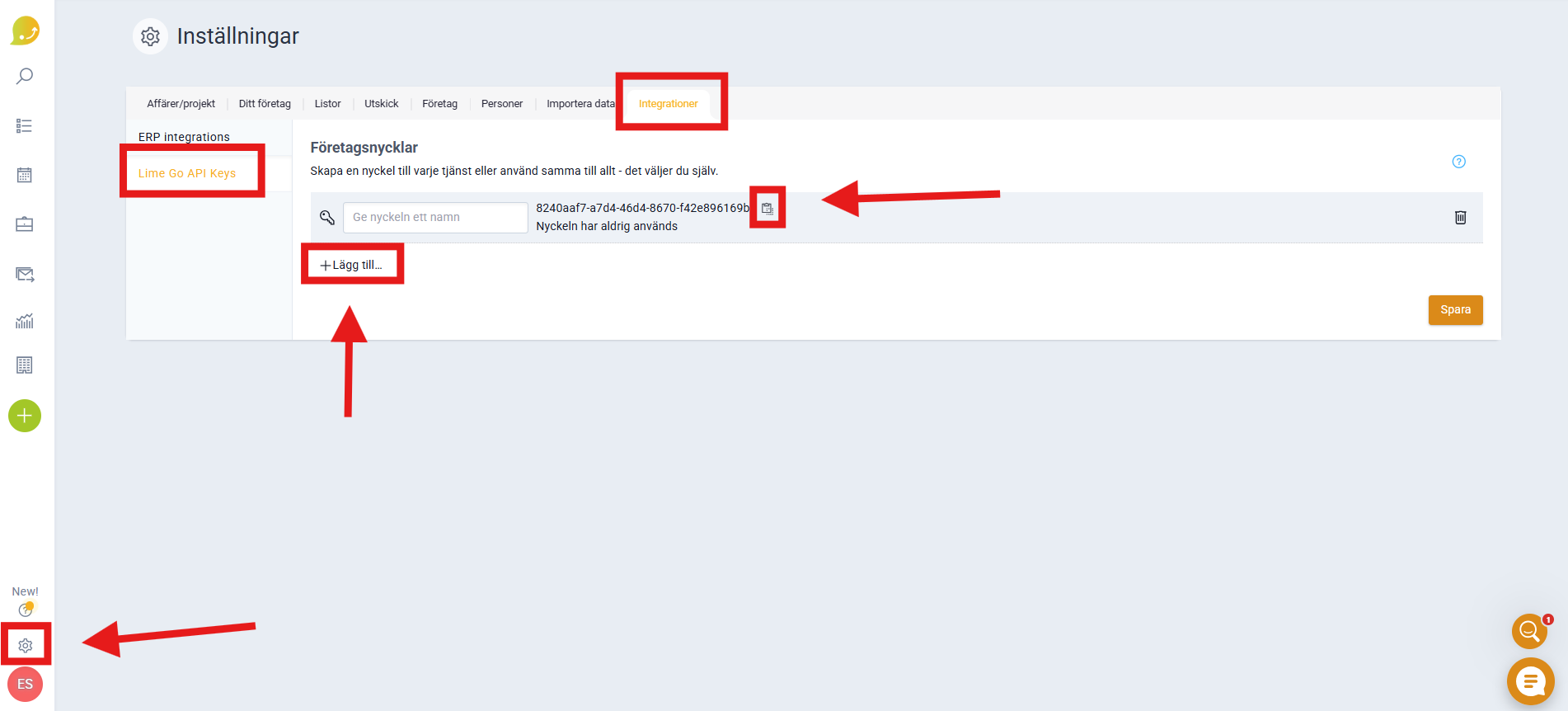
- Go to Settings (⚙️) and Application Settings in Lime Go and navigate to Integrations and then Lime Go API Keys.
- Click + Add to create an API key and copy it.
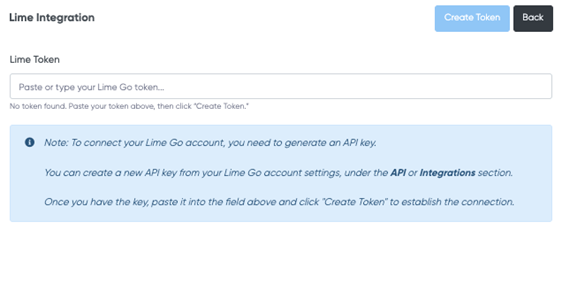
- Log in to Meetric, go to the Integrations tab, and paste your API key from Lime Go.
👀 Here you can see an example of how the integration appears in Lime Go.