
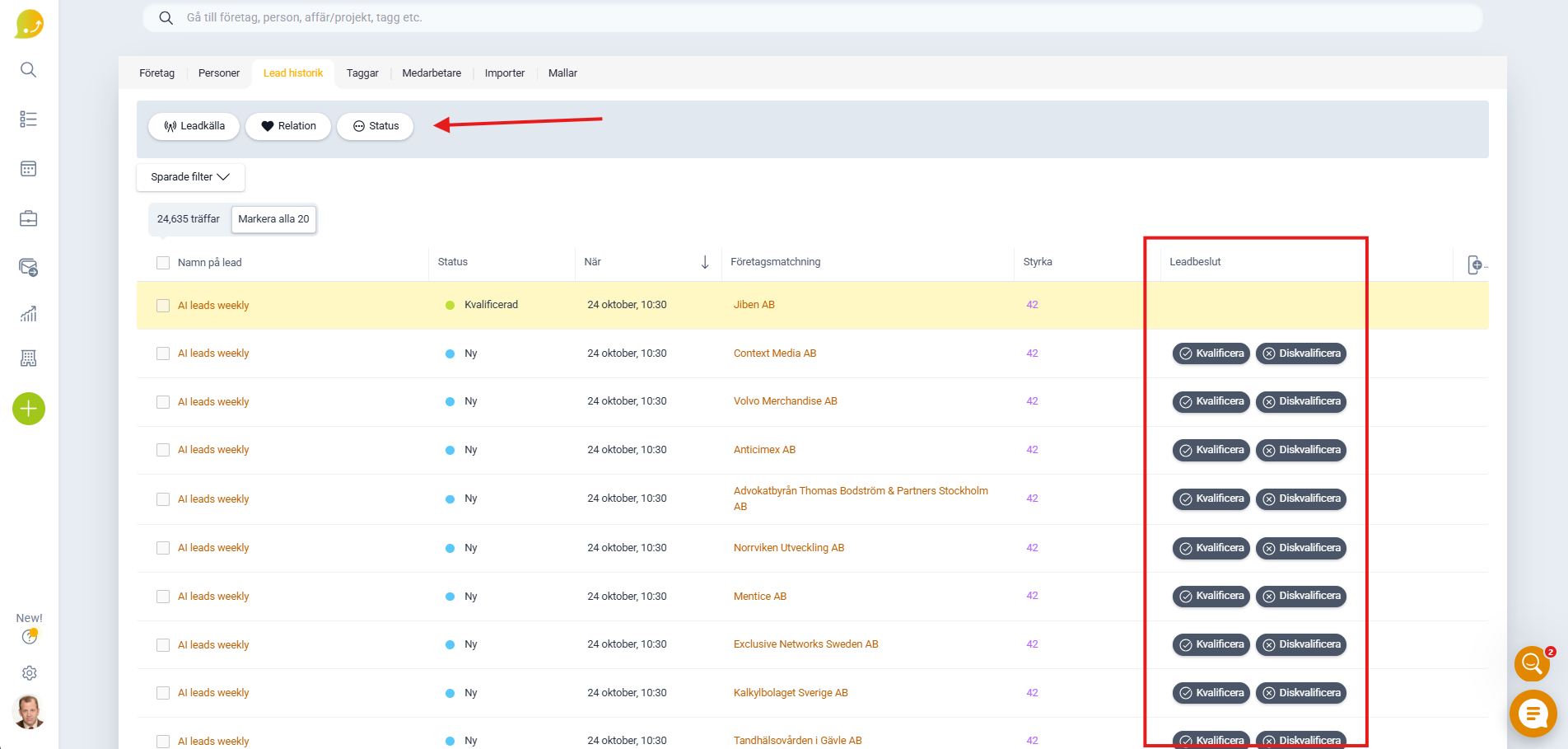
In Lime Go, you can easily qualify leads that seem interesting. Go to Search and select Lead History to see a list of leads sorted by relevance. There you can qualify or disqualify leads.
When you qualify a lead, you can immediately create a next step, such as a deal or a reminder for follow-up. You can also filter your leads by Status to quickly see only qualified leads.
📽️ Video Instructions