
A sales manager can set goals for the sales team based on six activities: budget, number of deals created, number of deals won, sales calls, booked meetings, and participation in meetings or customer visits.
❔ How do I do it?
- Go to the employee's profile page.
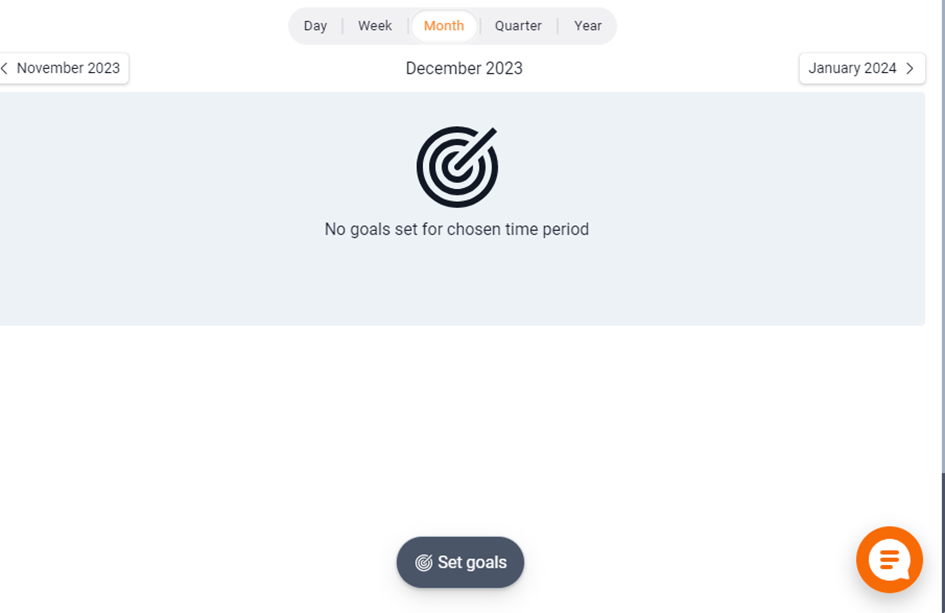
- Click Set goals from the employee card.
- Fill in the goals – you can update all 12 months at once and adjust them manually afterwards.
You need administrator rights to set goals.
The statistics are linked to the employee who performed the activity. If a colleague books a meeting for another employee, that employee's statistics increase – not the colleague's.
The month's target value is divided by the number of working days in the month to give a running sub-goal – so the salesperson always knows where they should be by the end of the day.

📽️ You can also watch a video guide below: