
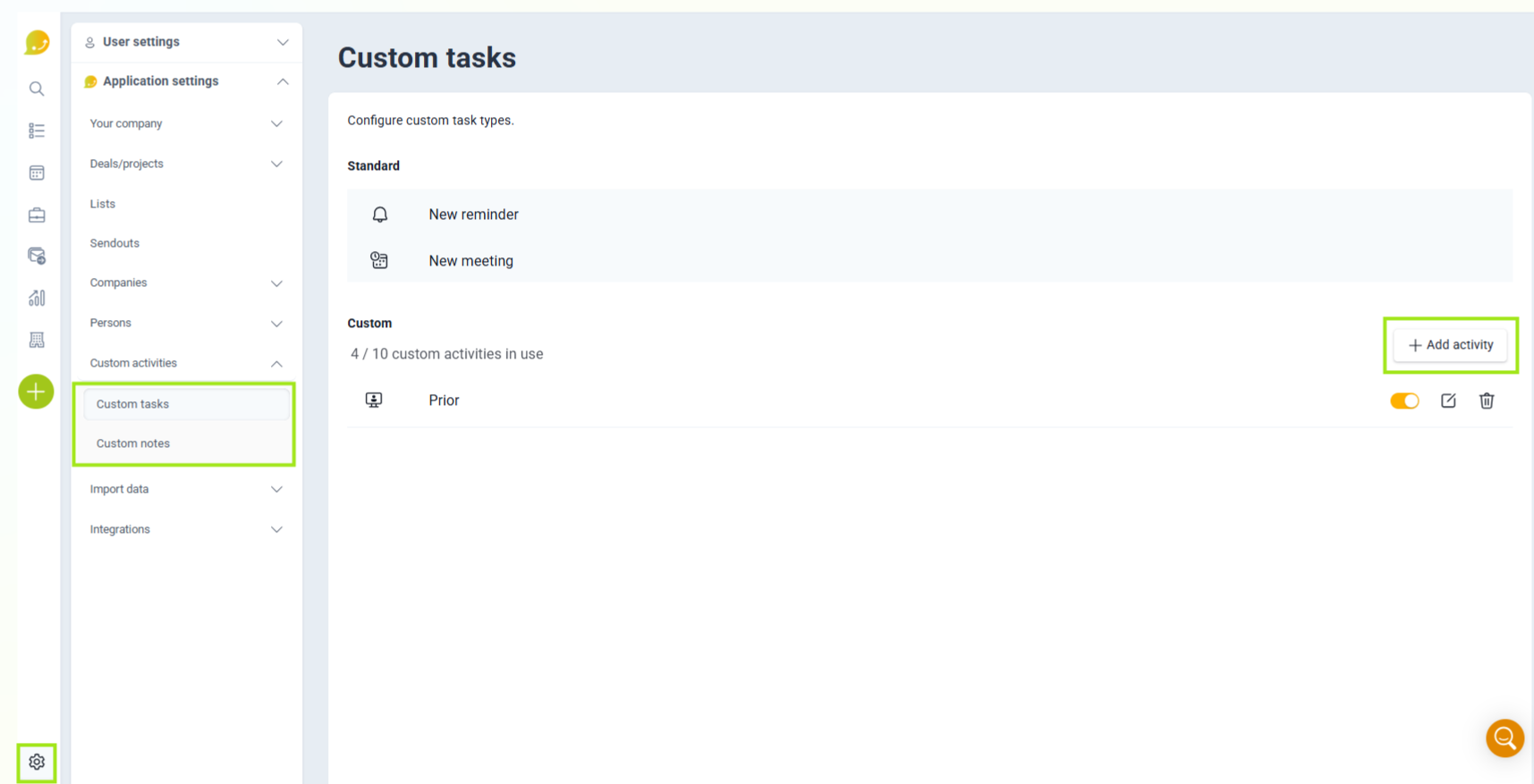
Go to Settings and then open Activities to create a new custom activity.
❔ How do I do it?
Choose which type of activity you want to create:
- Custom task: used when you're planning something you're going to do in the future, for example booking a meeting, calling a customer, or doing a follow-up.
- Custom note: used when you're logging something you have already done, for example a customer visit, a check-in, or an important observation.
When you create the activity, you can give it a name and choose which fields should be visible, such as date, deal, company, and description. You can also edit or deactivate existing custom activities at any time.
Default activities cannot be changed. Only administrators can create and configure custom activities.
📽️ You can also see the video below: