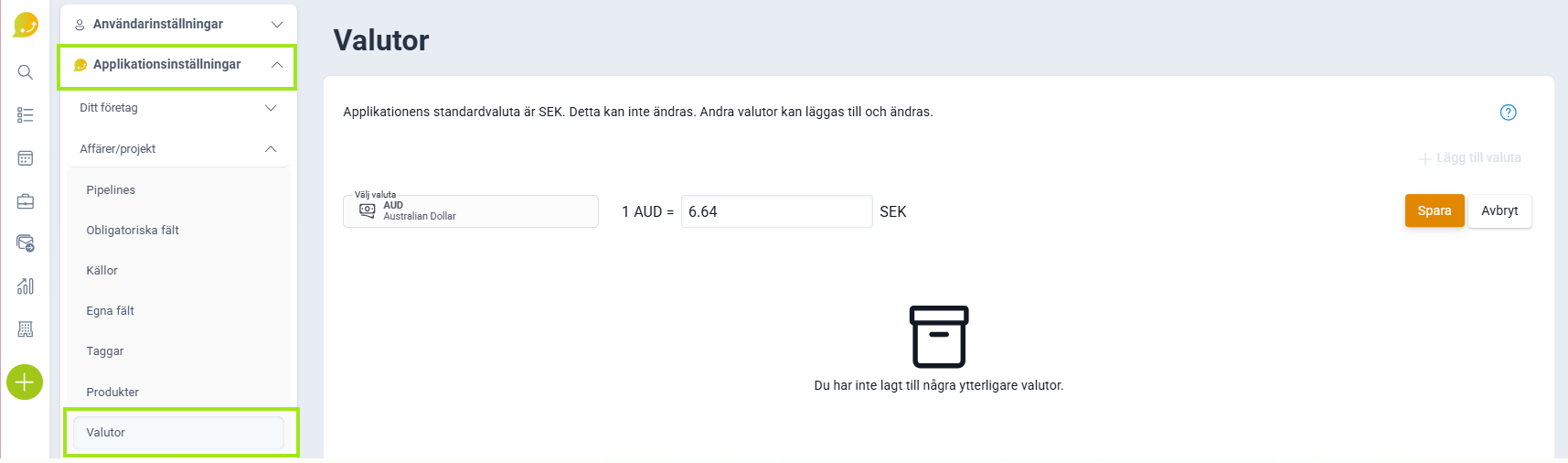
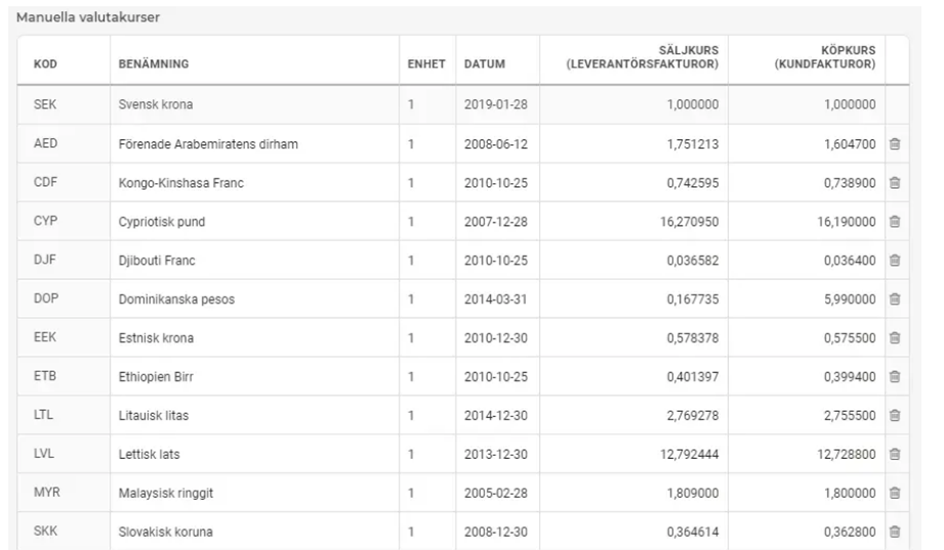
You set exchange rates manually under Application Settings and Currencies.
❔ How do I do it?
- Go to Application Settings (the ⚙️ gear icon) and then Deals/Projects.
- Open Currencies and enter the rates to be used between different currencies.
The default currency is always used as the base with a value of 1.0. All other currencies are assigned an exchange rate relative to the default currency.