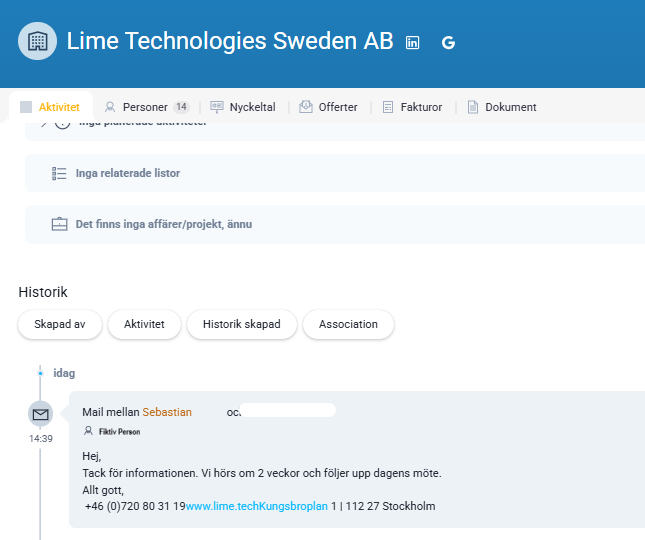
With the Lime Go Outlook Add-in, you can easily save important emails directly from Outlook to the right customer or contact card in Lime Go – without leaving Outlook.
❔ How does it work?
The add-in is installed as an app directly in Outlook. When you want to save an email, you select it manually and use the add-in to link it to the right customer and contact person in Lime Go. If the customer or contact doesn't exist yet, you can create them directly from the add-in.
No emails are saved automatically – you're always in full control of when and which emails are saved.
When should I use the Outlook Add-in?
The add-in is used when you want to quickly document important email conversations, create new contacts, or keep the customer history up to date – all without leaving Outlook.
Why should I use the Lime Go Outlook Add-in?
- Save emails directly to the right company and contact person in two clicks.
- Create new customers or contacts directly from your inbox if they don't already exist in Lime Go.
- All history gathered in one place for quick and easy follow-up.
- Reduce the risk of important communication getting lost.
- Work seamlessly between Outlook and Lime Go without switching systems.