
The Lime Go Gmail Add-on connects your Gmail to Lime Go so you can log emails and create contacts directly from your inbox.
What is the Lime Go Gmail Add-on?
❔ Hur gör jag?
- Go to the Google Workspace Marketplace and search for Lime Go.
- Click Install and grant the requested permissions.
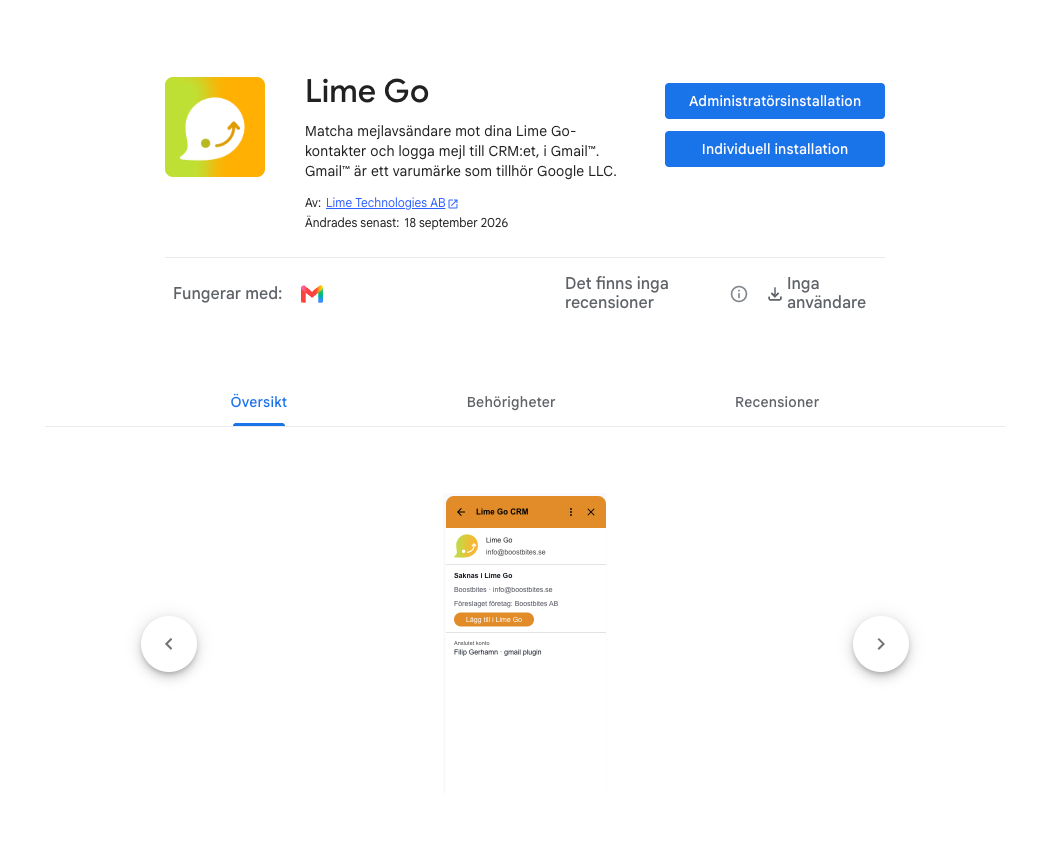
- Open any email in Gmail. The Lime Go icon appears in the add-on panel on the right. Click it.
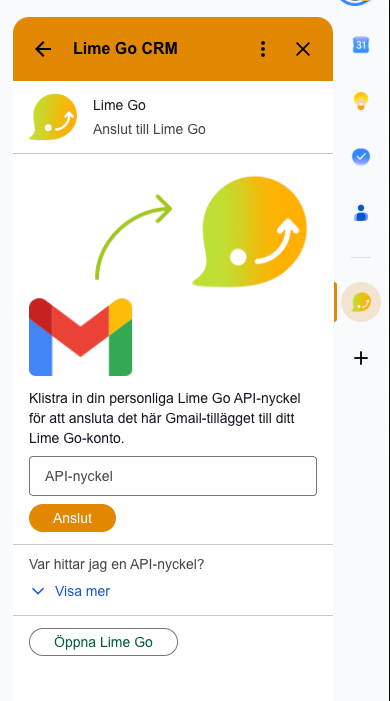
- In Lime Go, go to Settings, Application settings, Integrations and then Lime Go API Keys. Create or copy a personal API key.
- Paste the API key into the add-on's connect screen and click Connect.
- Now you can transfer any email you want to Lime Go.
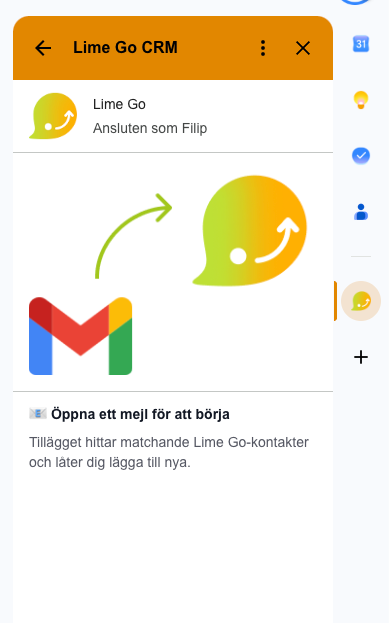
Can't find the API key menu? Ask your Lime Go administrator to create a key for you.