
Creating a new pipeline is quick — you only need administrator permissions.
❔ How do I do it?
- Go to ⚙️-Settings in the bottom left corner.
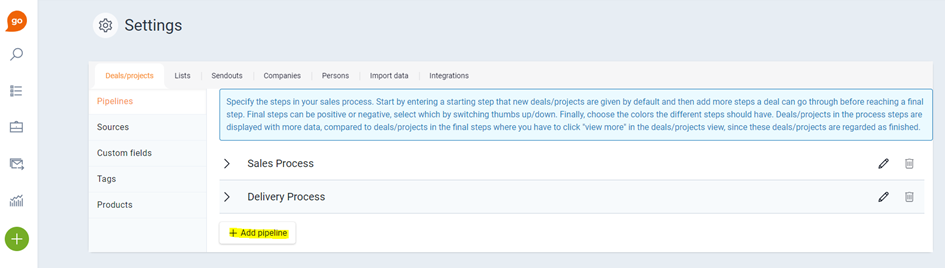
- Navigate to Deals/Projects → Pipelines.
- Click + Add pipeline.
- Configure the steps in your new pipeline based on how your sales or project process is structured.
By creating a new pipeline, you can tailor the steps of your sales or project management process to better match your organization's needs and workflow.
Keep in mind that:
- The number of pipelines you can create depends on your pricing plan, which you'll find under your profile picture in Lime Go and features.
- You need administrator permissions to create a new pipeline.
📽️ You can also watch a video guide below: