
Lime Go automatically collects data from sales calls, booked meetings, completed meetings and budget.
❔ How does it work?
Sales calls
The statistics update when you:
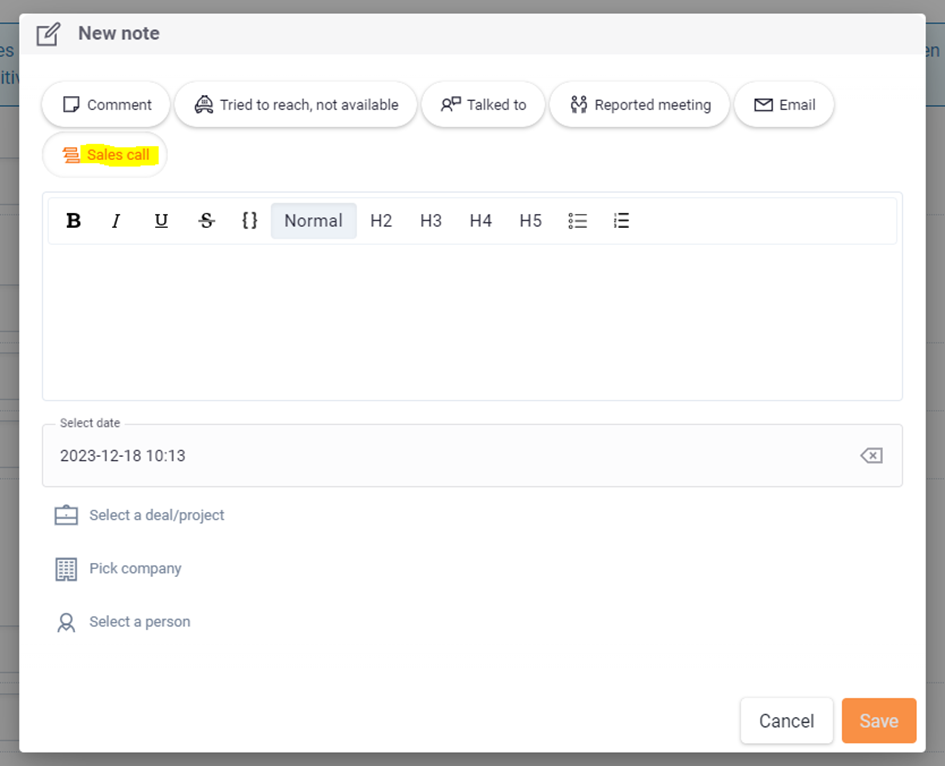
- Log the last step in a list, for example Interested or No.
- Add a new entry under Sales attempts.
Booked meetings
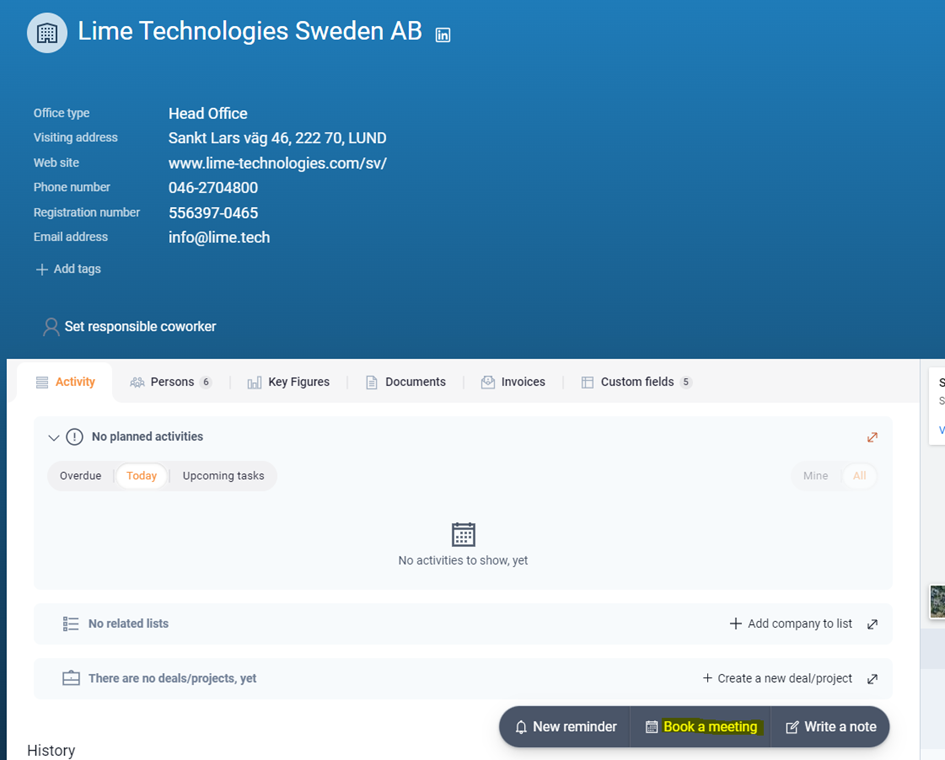
The statistics update when you create a meeting, for example via a company card, a person, or a deal.
The activity is logged under the statistics of the person who booked the meeting, even if a different person attends.
Completed meetings
The statistics update when you:
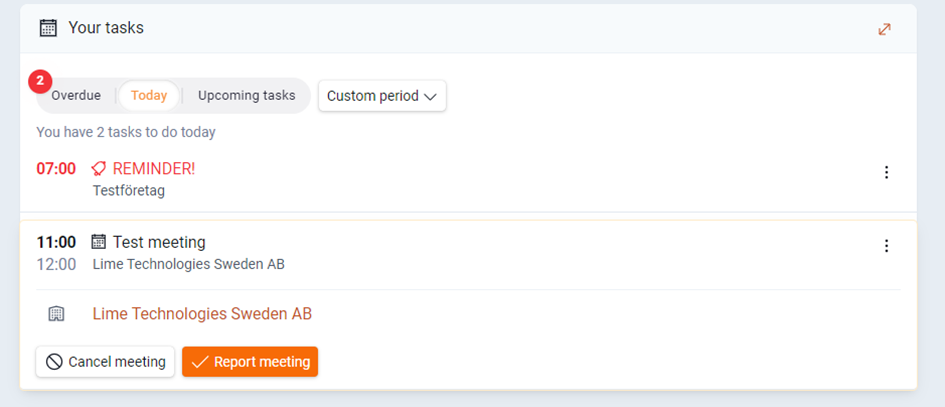
- Report a meeting and document the outcome.
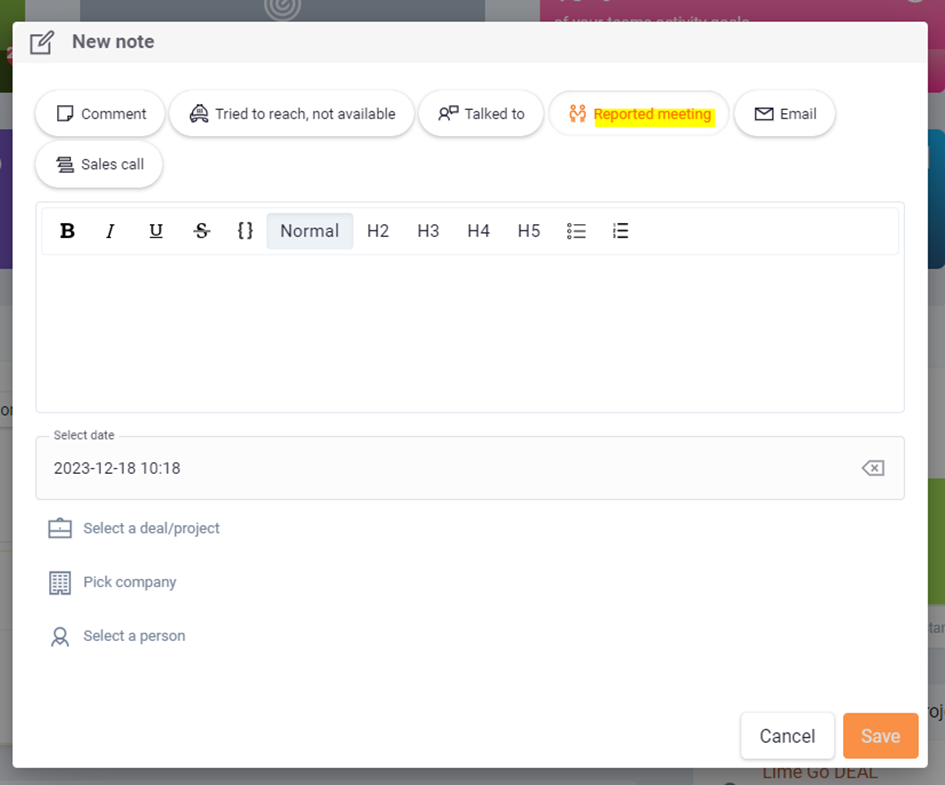
- Create a note and select Report meeting.
Budget
A deal is included in your monthly budget when it is placed in a positive final step of your sales process, for example Deal won.
The statistics are always logged for the employee who saves the information in Lime Go. If a person books a meeting for another salesperson, it's logged on the person who booked it – not the salesperson.
📽️ You can also watch a video guide below: