
Yes, you can filter deals/projects within a specific pipeline.
❔ How does it work?
- Go to Deals/Projects via the left navigation panel
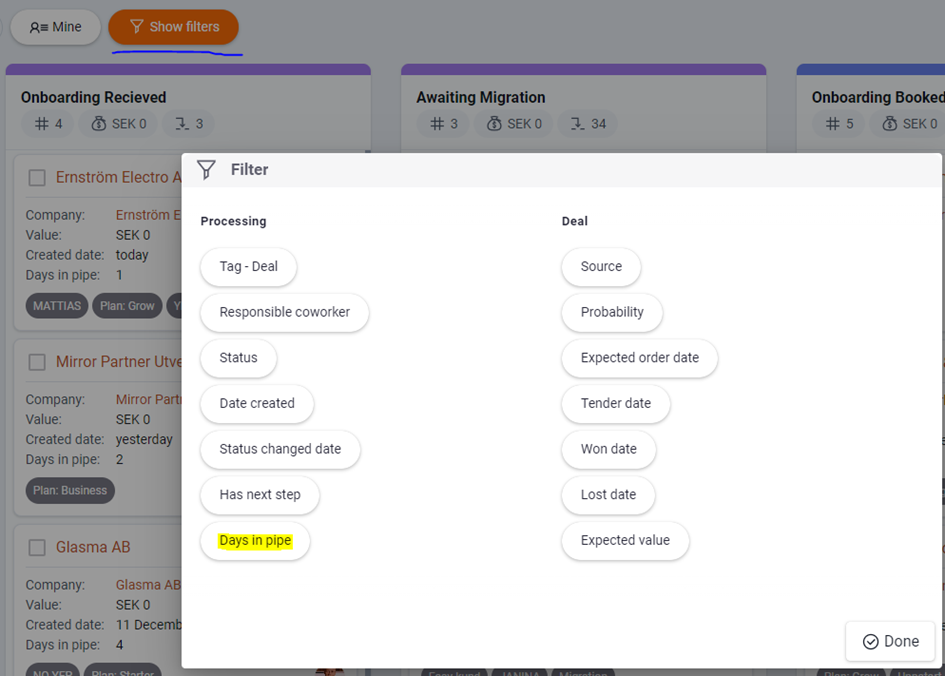
- Click show filters
- Select the filters you want to be able to see
- Click save when you're done
Try one of our favorite filters: "Days in Pipe". This filter gives an indication of how long it takes you to close the deal.
📽️ You can also follow these video instructions: